Severe Weather Preparedness for Seniors: How to Stay Safe and Connected
Key Takeaways
- According to a 2023 AARP survey, fewer than 3 in 10 older adults have an emergency plan in place.
- Stock an emergency kit to have on hand, including several days’ worth of medications, flashlights, batteries, a first aid kit, and extra water.
- Signing up for local weather alerts and turning on vibration or visual alert settings helps seniors with hearing loss catch warnings they might otherwise miss.
- A backup power plan, including a battery-powered or hand-crank radio and extra hearing aid batteries, keeps you informed if the power goes out.
- Internet-enabled ClearCaptions Phones display FEMA emergency alerts during critical weather, at no cost to qualified individuals.
A 2023 AARP survey revealed that fewer than 3 in 10 older adults have an emergency plan ready. When severe storms, tornadoes, or unexpected power outages hit, having a plan in place makes all the difference.
For seniors with hearing loss, storm prep requires an extra layer of thought. Sirens, weather radio warnings, or a neighbor knocking on the door are easy to miss if you rely on sound alone. Taking a few proactive steps today ensures you stay informed, safe, and connected when severe weather strikes.
Build an Emergency Kit
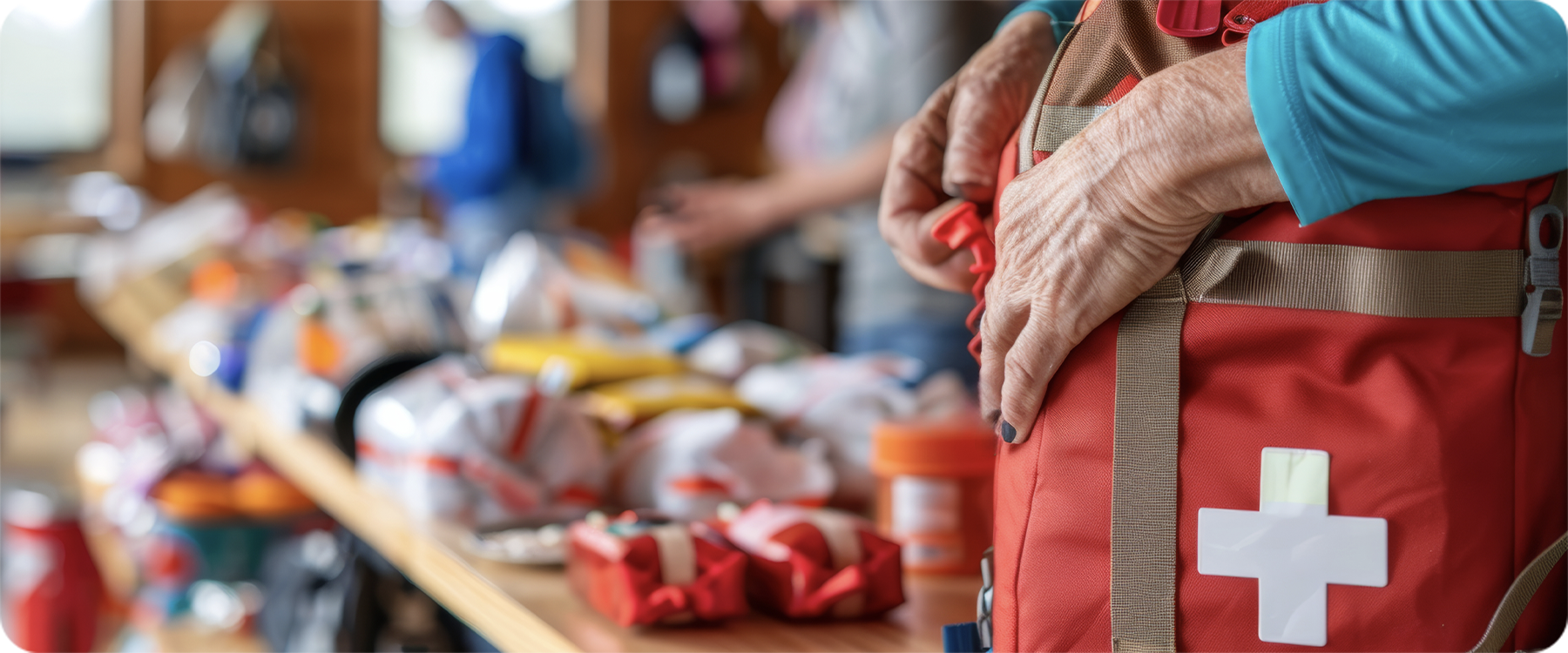
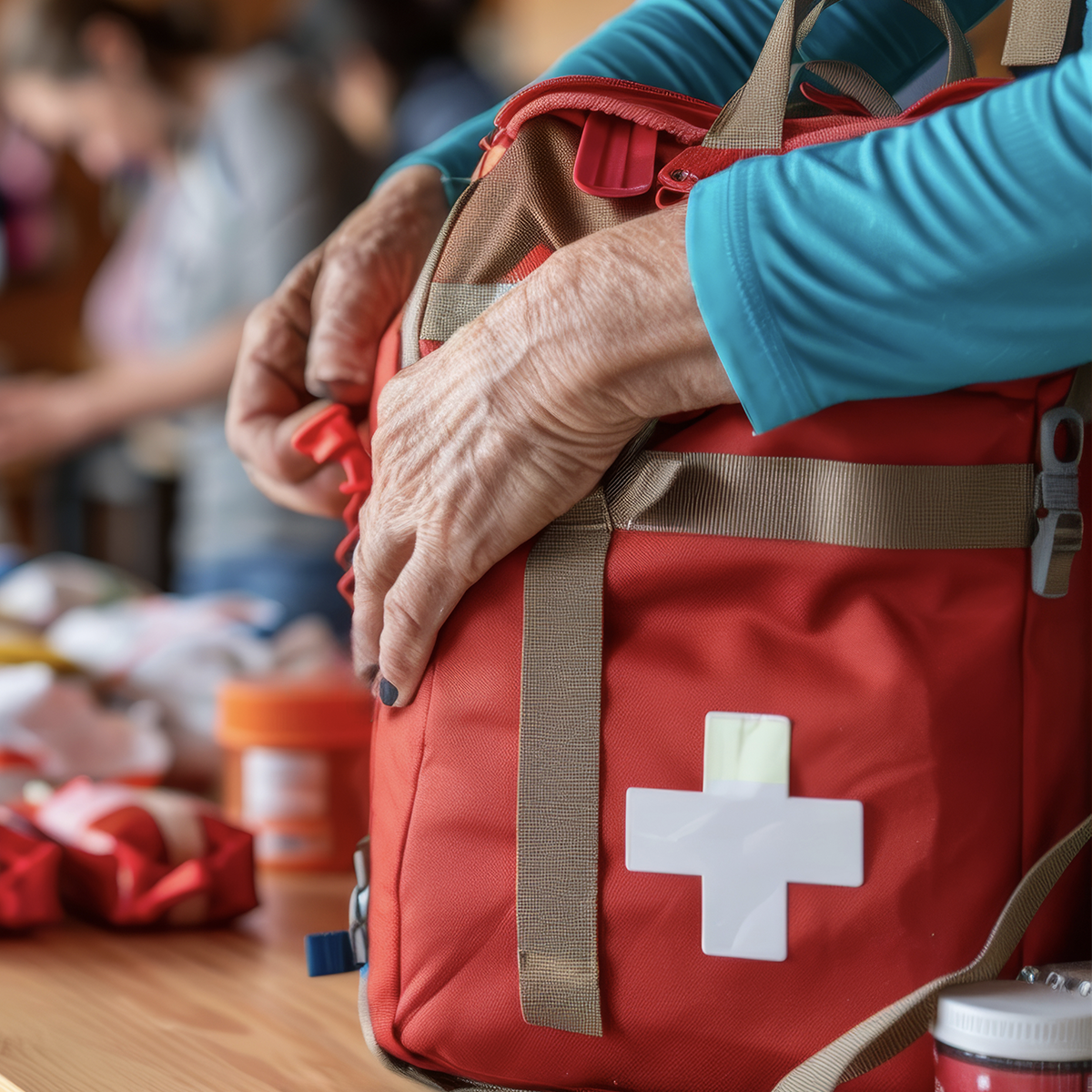
Every solid preparedness strategy begins with an emergency kit stored in an easy-to-reach area. The American Red Cross offers a detailed guide for older adults covering core supplies, including:
- Critical medications: Keep at least a three-day supply on hand, along with a written list of dosages and medical conditions.
- Power supplies: Pack flashlights, extra batteries, a portable phone charger, and spare batteries or charging cables for hearing aids.
- First aid and water: Store a fully stocked first aid kit and at least one gallon of water per person per day.
- Important documents: Keep paper copies of medical records, insurance cards, and identification in a waterproof bag.
Check your kit twice a year to replace expired items and swap out batteries.
Have a Communication Plan in Place & Sign Up for Weather Alerts
When storms hit, local phone lines often become congested. Choose a relative or friend who lives outside your immediate region to serve as your primary out-of-town contact. Establish clear check-in times during a storm and agree on what steps they should take if they cannot reach you.
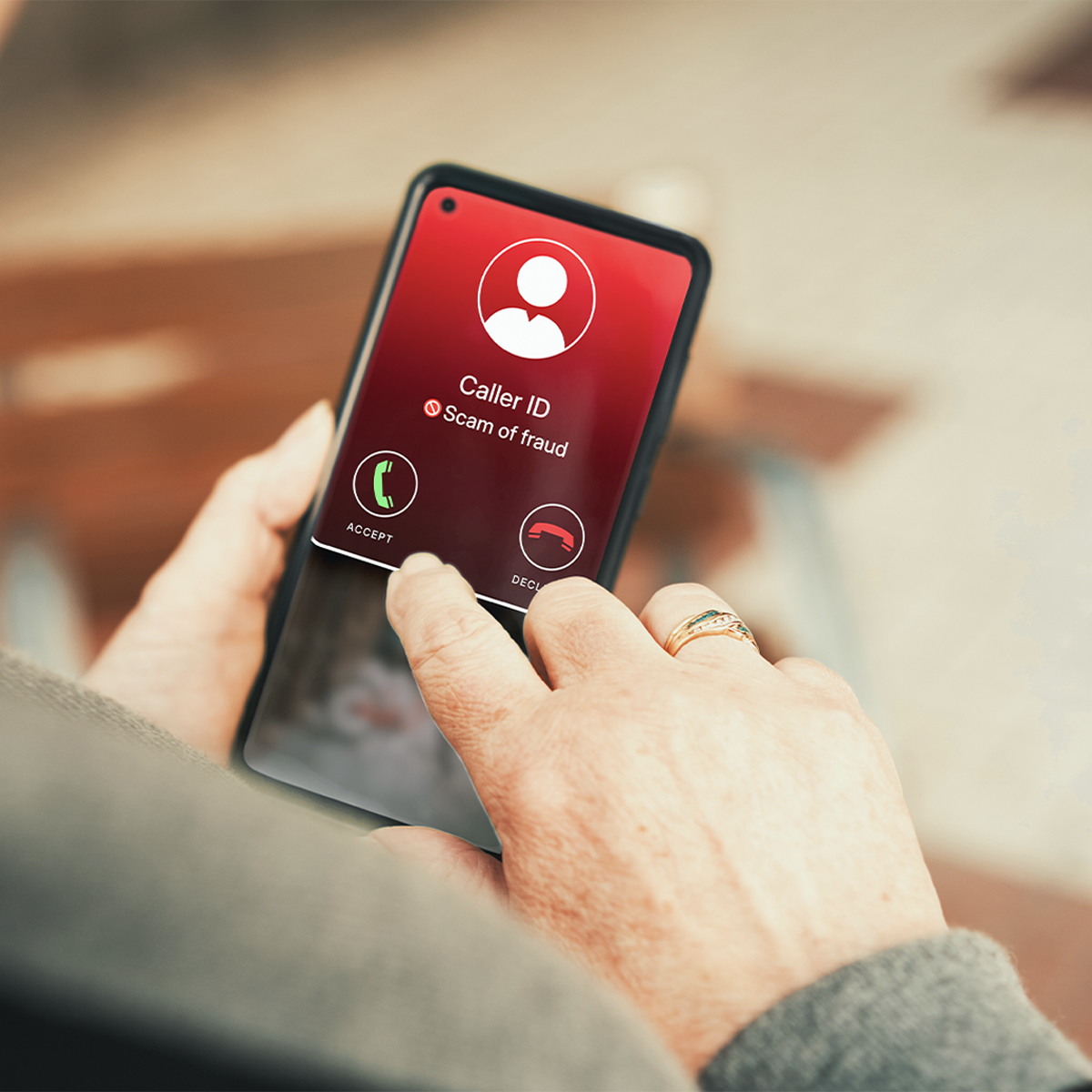
Sign up for weather alerts through your local county or city emergency management office. Check your smartphone settings to enable strong vibration patterns and visual screen flashes, so you don’t miss incoming Wireless Emergency Alerts. You can learn more on the FCC Wireless Emergency Alerts and Accessibility page. Signing up for local registries like Smart911 or CodeRed also alerts first responders in advance if you need extra support during an evacuation.
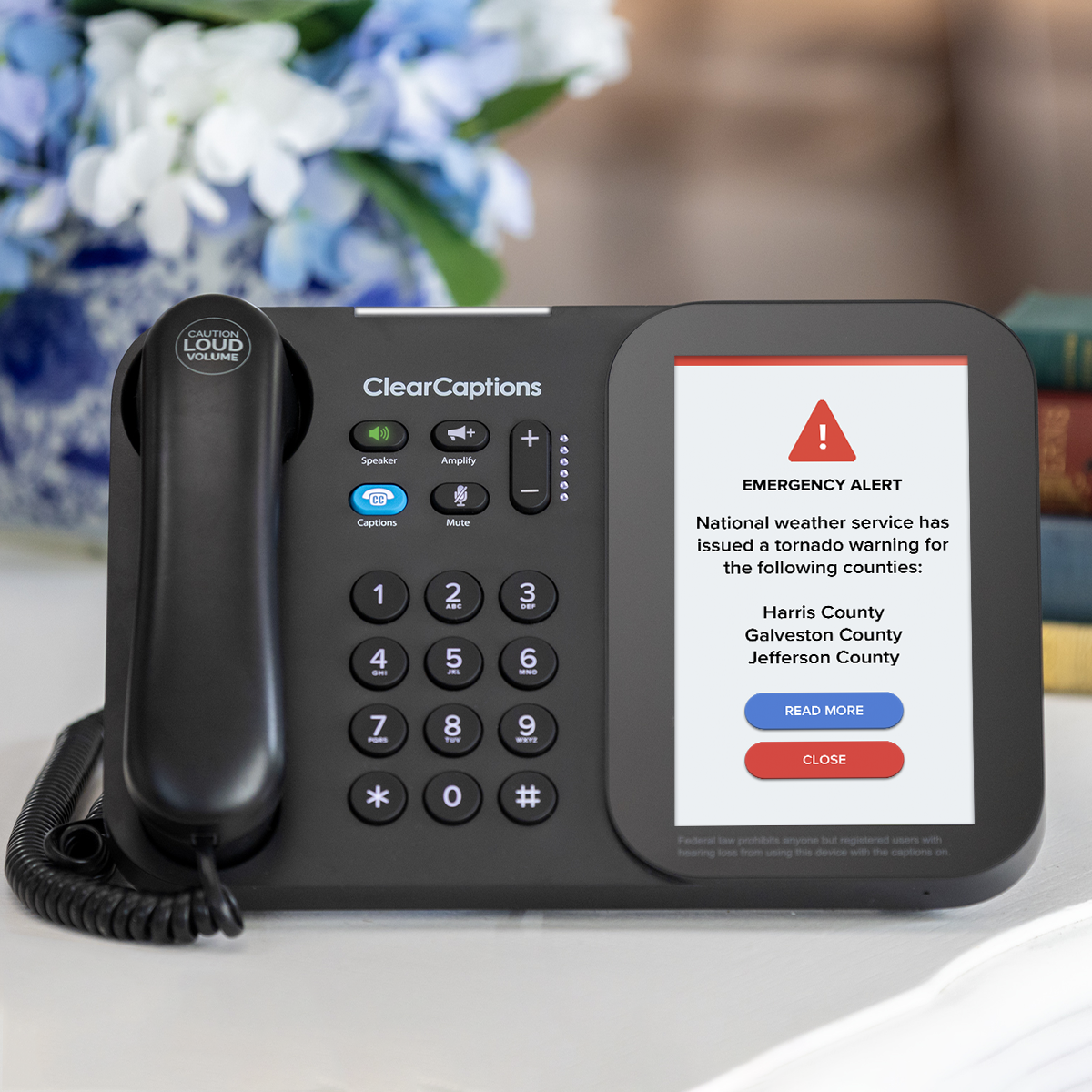
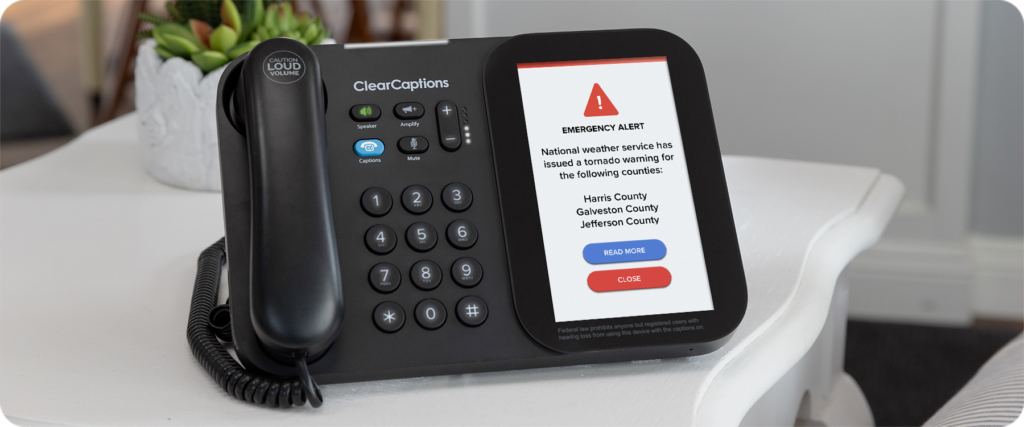
The ClearCaptions Phone adds another layer of preparedness. On internet-enabled models, the built-in FEMA Emergency Alert System feature displays weather warnings right on your phone screen during critical weather. This includes captioned weather warnings and flashing lights to make sure alerts aren’t missed when every second counts.
Have a Backup Power Plan
Power outages often follow severe weather. Make plans to protect your safety during power outages with these simple steps:
- Keep a battery-powered or hand-crank weather radio nearby to stay updated on storm conditions.
- Charge your cell phone completely before a forecasted storm arrives.
- Keep extra batteries ready for hearing aids and assistive listening devices.
- Write down critical phone numbers on a physical sheet of paper. If your cell phone battery dies, a paper list ensures you can still call loved ones, medical providers, or emergency services from any available line.
What to Do After the Storm

Once the storm passes, reach out to your out-of-town contact and any close family members to let them know you’re safe. Power, water, and cell coverage can take time to come back online, especially after a major storm, so try to be patient while crews work through repairs.
Check on neighbors, especially anyone who lives alone or may need extra help. A quick knock on the door or a wave through the window means a lot when someone’s been cut off from the outside world.
Keep conserving your phone’s battery even after the storm ends, since power and internet service may still be spotty for a while. Stick to short calls or texts when you can and save longer conversations for when your service is fully back.
Rebooting a ClearCaptions Phone After a Power Outage
If your ClearCaptions Phone loses power during a storm, a quick reboot will bring it back online once electricity returns.
Simply locate the red button on the back of your phone, press and hold it for three seconds, then release.
Your phone will then reboot and be ready to deliver accurate captions again. If you need extra help after an outage, the ClearCaptions Support Team is available at 866-868-8695.
ClearCaptions Can Help You Stay Connected When It Matters Most
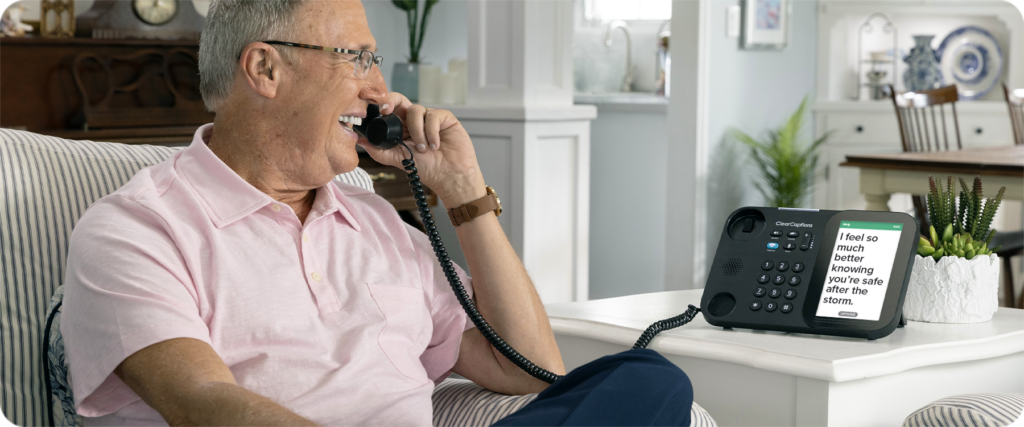
Clear communication is vital during an emergency. Whether you are speaking with family members, first responders, or medical providers, a captioned phone displays your caller’s exact words on a large screen so you can read along while you listen.
Internet-connected models feature built-in FEMA Emergency Alert System notifications, delivering critical weather updates straight to your screen. ClearCaptions also offers landline-connected options for eligible households. Qualified individuals with hearing loss receive equipment, setup, and support at no cost through a federally managed program.
Call 866-996-1498 or visit our website today to learn how to claim your free phone.
Frequently Asked Questions
What should be in a senior’s emergency kit?
At minimum, plan for a few days’ supply of medications, flashlights, extra batteries, a first aid kit, and water. The American Red Cross offers a full checklist for older adults with more detail.
How can I get weather alerts if I have hearing loss?
Most phones let you turn on vibration or visual alerts in addition to sound, so check your settings ahead of time. The ClearCaptions Phone also displays FEMA emergency alerts directly on screen for qualified individuals using an internet-connected model.
Does the ClearCaptions Phone work during a power outage?
If your ClearCaptions Phone loses power, a quick reboot using the red button on the back of the phone will usually restore it. Keeping a charged backup battery or power bank on hand can also help during extended outages.
What should I do after severe weather passes?
Check in with your out-of-town contact and close family, look in on neighbors who may need help, and continue conserving your phone’s battery until services are fully restored.