How to Help Elderly Parents Embrace Technology (Without the Frustration)

Key Takeaways
- Fear of technology, not ability, is the real barrier to seniors using new technology.
- Focus on the “why” by showing how a device solves a real-life problem.
- Choose senior-friendly tools with simple interfaces to lower the learning curve.
- Patience and repetition are more important than teaching everything at once.
- Address privacy and scam fears directly to build a sense of safety.
If you’ve ever tried to teach a parent how to use a smartphone, navigate a video call, or set up a new device, you know these experiences often come with unique challenges.
For many older adults, technology for elderly family members feels designed for someone else. The buttons are small, the instructions assume too much, and the fear of doing something wrong and breaking something can be paralyzing. That fear, not any lack of ability, is the real barrier.
The good news is that fear of technology in older adults is both understandable and addressable. With the right approach, caregivers can help elderly parents not just use technology for seniors but genuinely feel confident doing so. This guide walks you through how.
Why This Matters More Than You Might Think
Communication is at the heart of independence. A recent national survey conducted by the American Speech-Language-Hearing Association (ASHA) found that 60% of caregivers supporting individuals with communication challenges say those difficulties significantly complicate their caregiving responsibilities. For families navigating hearing loss, cognitive changes, or physical limitations, the right technology for older people can be the difference between connection and isolation.
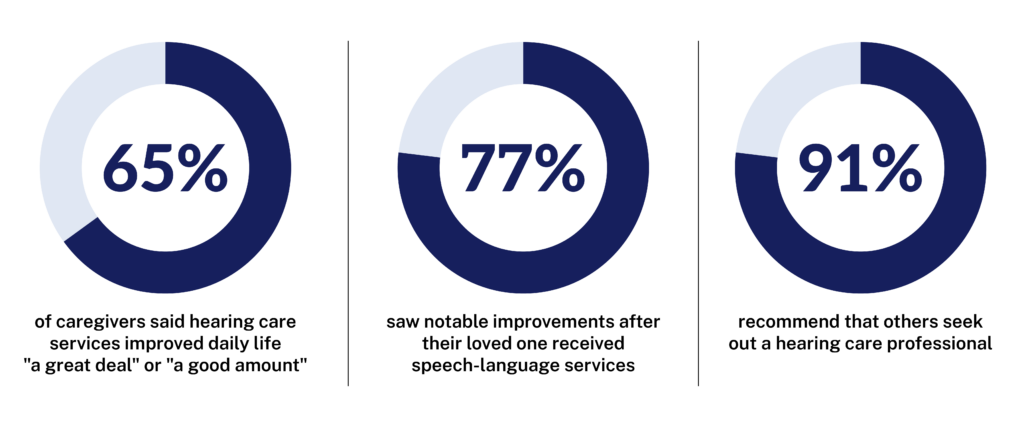
These numbers point to something important: when older adults get the right support, technology for older adults stops being a source of stress and starts being a bridge to better daily life. The challenge for most families is figuring out how to get there.
Understanding Why Older Adults Resist Technology
Before jumping into solutions, it helps to understand what’s actually driving the resistance. Most seniors who push back on tech for older adults aren’t rejecting the tool itself. They’re rejecting the confusion that surrounds it.
Common reasons older adults struggle with or resist technology for elderly family members include:
- Fear of making a mistake and not being able to fix it
- Interfaces that feel cluttered, fast-moving, or visually overwhelming
- A sense that the technology was not designed with them in mind
- Past negative experiences that eroded confidence
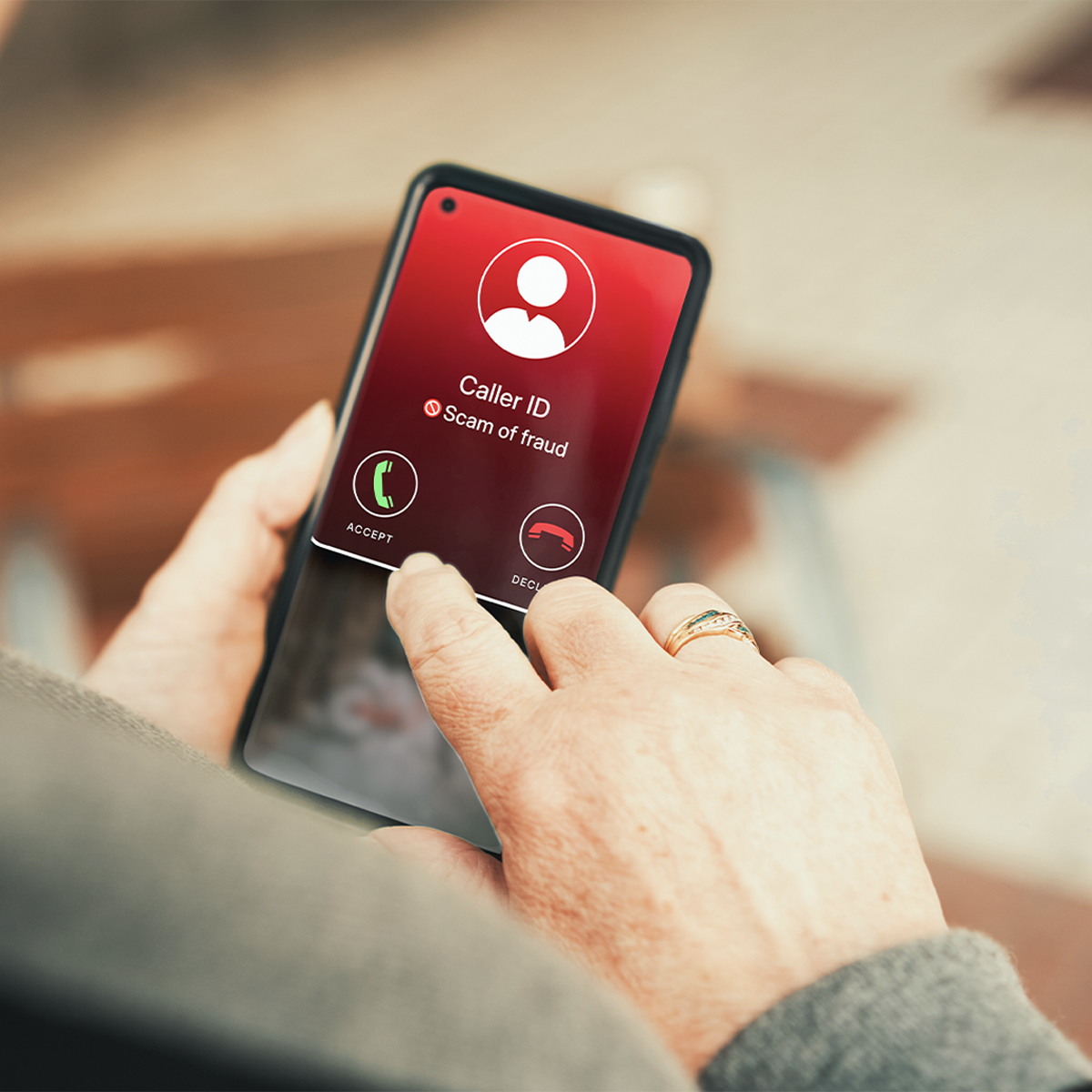
- Concern about privacy, scams, or being taken advantage of
- Feeling rushed or judged during the learning process
Understanding these barriers changes how you approach the conversation. Your parent isn’t being stubborn. They’re being cautious, and in many cases, for entirely reasonable reasons. The goal isn’t to push past their resistance. It’s to remove the source of it.
How to Help Elderly Parents with Technology: A Step-by-Step Approach

The following steps are structured for caregivers who want to build genuine, lasting tech confidence in an older parent, not just get them through one task.
Step 1: Start with the problem, not the product
The most common mistake caregivers make when helping elderly parents with technology is leading with the device. Before you introduce any product or app, have a conversation about what’s actually difficult in your parents’ daily life. Is it staying in touch with grandchildren? Missing phone calls because they can’t hear the other person clearly? Feeling cut off when they need information quickly?
When technology for seniors solves a real, felt problem, the motivation to learn it is built in. A caption phone makes sense to someone who has been missing important calls. A video calling app makes sense to someone who hasn’t seen their grandchild in months. Start with the why, and the what becomes much easier to introduce.
Step 2: Choose the right tool for the right person
Not all technology for older people is equally accessible, and not all seniors have the same needs. When evaluating technology for elderly parents, look for:
- Large, high-contrast text and simple, uncluttered interfaces
- Minimal steps to complete common tasks
- Strong customer support and easy setup
- Features designed specifically for older adults, not adapted as an afterthought
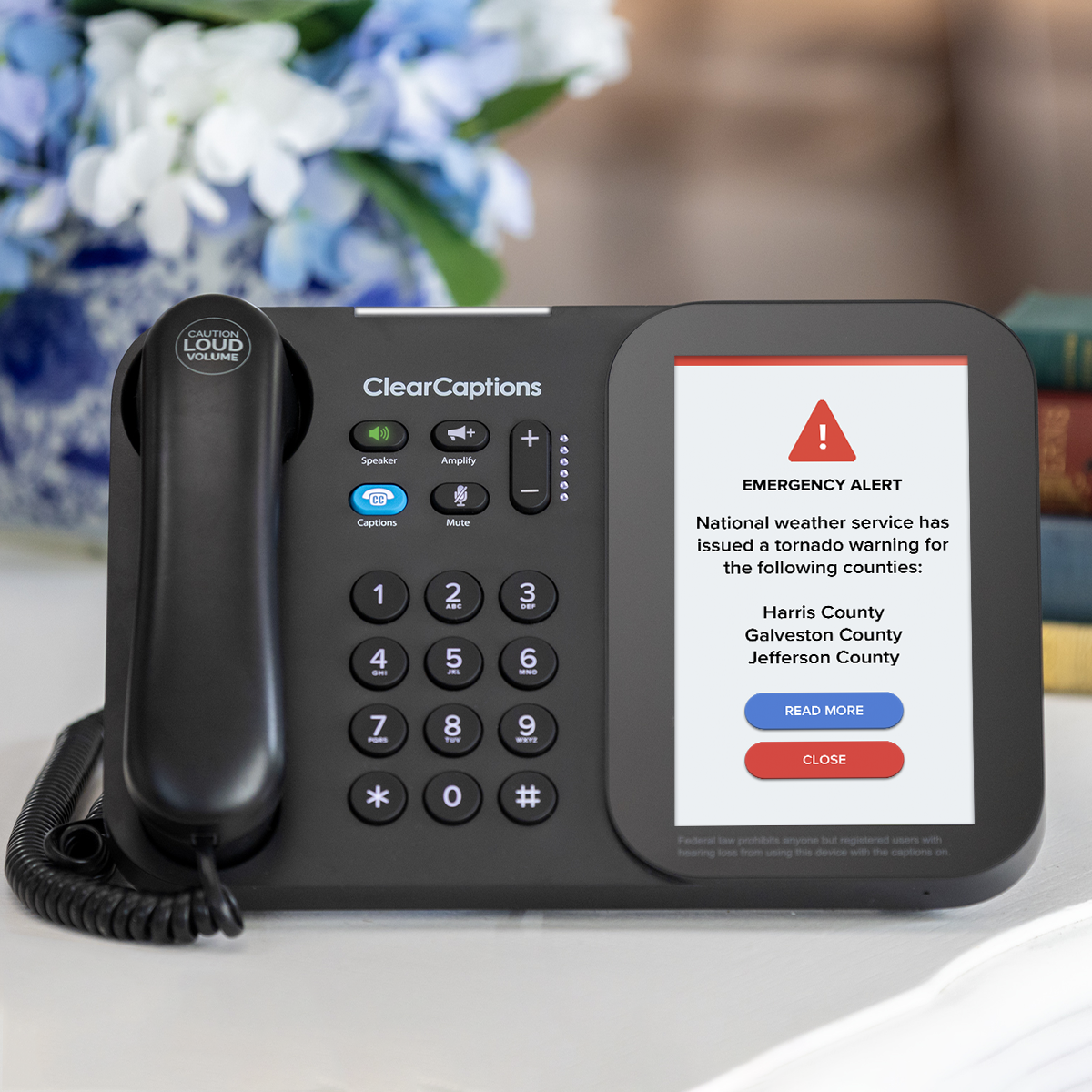
For seniors with hearing loss, purpose-built tools like the ClearCaptions Phone offer something that general-purpose technology for elderly users often cannot: a solution that was designed from the ground up for their specific needs. The device displays captions of phone conversations on a large screen, so nothing gets missed. Because it works like a regular phone, the learning curve is low, and the confidence gains come quickly.
Step 3: Teach one thing at a time
Technology anxiety in older adults tends to spike when they feel overwhelmed. Introducing too many features at once, even with the best intentions, often does more harm than good. Pick one task, teach it completely, and let your parent practice until it feels natural before moving on.
Repetition matters here more than speed. It’s far better for your parent to feel genuinely confident with one function than vaguely familiar with five. Every small success builds the foundation for the next one.
Step 4: Create a learning environment that feels safe
How you teach matters as much as what you teach. A few things that make a real difference:
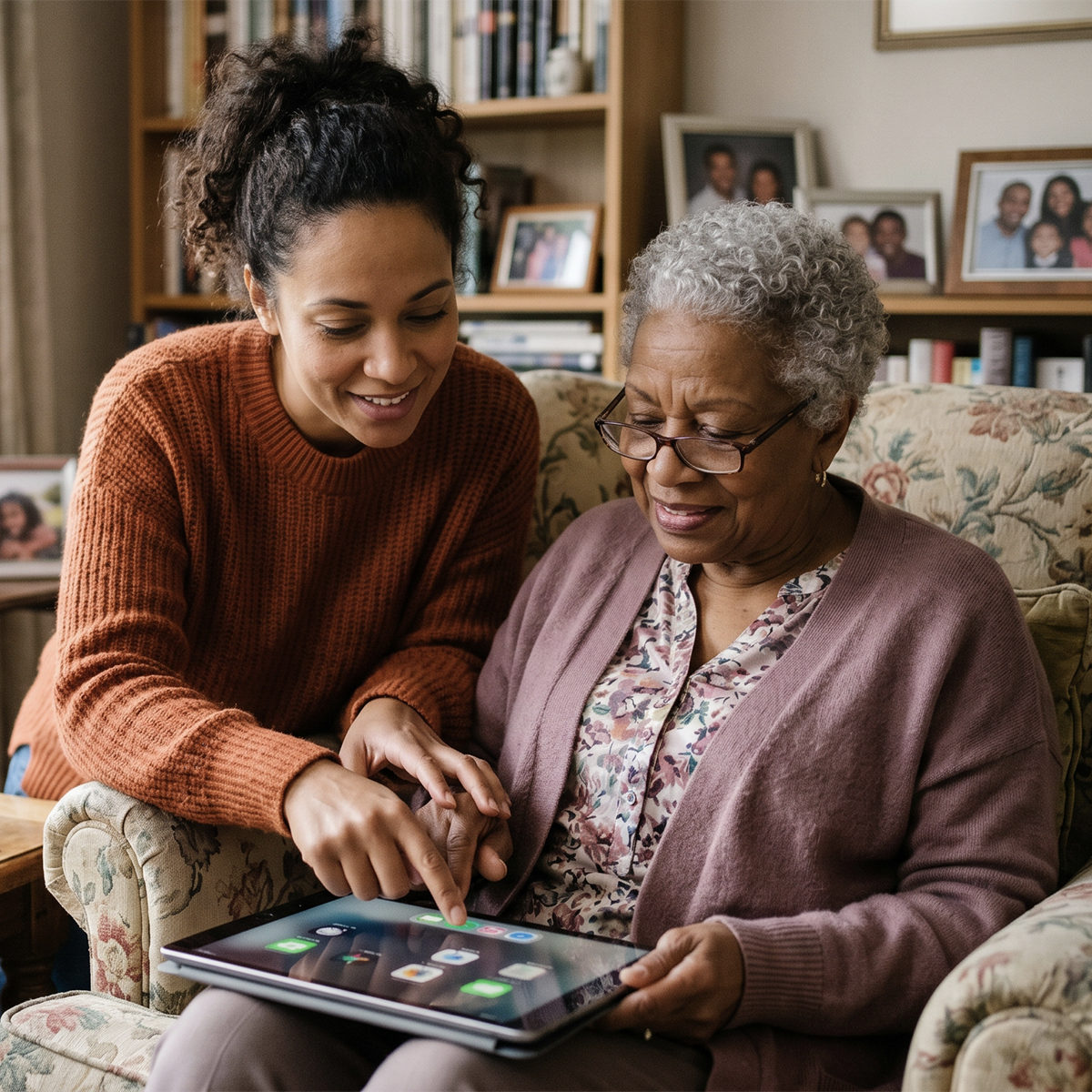
- Sit beside your parent, not across from them, so you’re working together rather than watching them perform
- Use the same words every single time for the same action; consistency is calming
- Narrate what you’re doing as you do it: “Now I’m pressing the green button, which is the one we always use to answer”
- Never take over the device mid-task unless they ask you to; doing so sends the message that they can’t handle it
- Leave behind written instructions in large print, in their own words where possible
Step 5: Normalize confusion and celebrate progress
One of the most powerful things a caregiver can do is reframe what confusion means. When your parent gets frustrated or forgets a step, the response matters enormously. Treat every question as reasonable. Treat every attempt as progress. Avoid any language that implies they should already know this.
Celebrate specific wins out loud: “You answered that call completely on your own. That’s a big deal!” Specificity makes praise feel real rather than patronizing. Over time, these small moments of recognized progress add up to something larger: a parent who believes they are capable of learning new things.
Step 6: Address Privacy and Scam Concerns Head-On
Fear of technology in seniors is often inseparable from fear of being scammed or losing privacy. These are legitimate concerns, and dismissing them can damage trust. Instead, address them directly.
Explain what reputable, regulated services do and do not do with personal information. For solutions like ClearCaptions, which operate as a federally supported program under federal guidelines, you can point to specific protections that govern how the service works. That kind of transparency goes a long way toward making a cautious older adult feel safe enough to try something new.
Caregiver Quick Tips Checklist
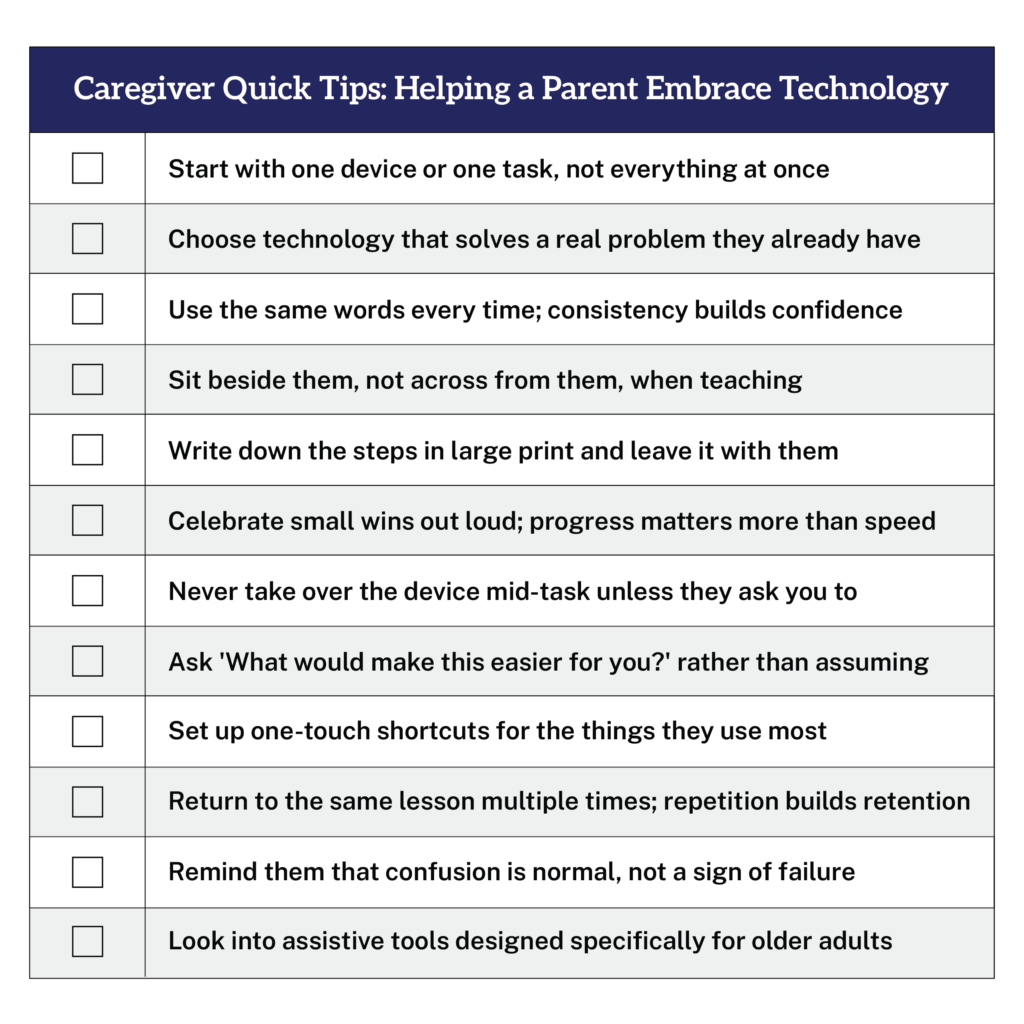
Use this checklist as a practical reference when helping an elderly parent build technology confidence. Print it out, keep it handy, and check off each step as you go.
When to Bring in Professional Support
Family support is invaluable, but it has limits. If your parent’s communication difficulties are significantly affecting their quality of life, professional guidance can open doors that family effort alone may not.
The ASHA survey found that 91% of caregivers who connected their loved ones with hearing care professionals would recommend that experience to others. An audiologist can assess the degree and type of hearing loss, recommend appropriate devices, and help your parent understand what’s available to them.
Alongside professional care, tech for older adults can fill important gaps, particularly for phone communication. For seniors with hearing loss, a captioned telephone can restore confidence in one of the most fundamental daily activities: staying in touch with the people who matter most.
The Right Tool Makes All the Difference
Helping elderly parents with technology is rarely a single conversation. It’s a process that requires patience, consistency, and a genuine understanding of what’s driving their hesitation. When you approach it that way, the results can be profound.
A parent who once avoided the phone because every call felt like a struggle can become someone who calls their grandchildren just to chat. A senior who felt cut off from family conversations can feel present and included again. That shift doesn’t happen because the technology is impressive. It happens because the right tool met a real need, and someone they trusted showed them how to use it.
ClearCaptions is built for exactly that moment. As the nation’s leading captioned telephone provider, ClearCaptions offers a caption phone that works like a regular home phone but displays captions of everything the other person says clearly in large, easy-to-read text. There’s no complicated setup and no steep learning curve.
Best of all, if your loved one has hearing loss that makes phone calls difficult, lives in the United States or a U.S. territory, communicates in English, and has home internet access, ClearCaptions is available to them at absolutely no cost.
If your parent has hearing loss and has been missing calls, struggling to follow conversations, or simply avoiding the phone altogether, ClearCaptions may be the solution that changes that.
Frequently Asked Questions
How do I get my elderly parent to accept help with technology?
Start by understanding their specific concern, whether that’s fear of technology, privacy worries, or simply not seeing the point. Lead with the benefit to them personally, not the technology itself. Patience and consistency matter more than any particular teaching technique.
What is the best technology for seniors with hearing loss?
Purpose-built assistive devices tend to outperform general-purpose technology for seniors with hearing loss. Captioned telephones, hearing-aid-compatible smartphones, and amplified phones are all worth exploring depending on the degree and type of hearing loss. A hearing care professional can help identify the right fit.
How long does it take for an older adult to get comfortable with new technology?
It varies significantly depending on the person, the technology for older people, and how it’s introduced. Expect weeks of repeated practice, not days. Building confidence is the goal, and that takes time. Regular short sessions are more effective than infrequent long ones.
Is technology anxiety in seniors a real condition?
While technology anxiety is not a formal clinical diagnosis, it is a well-documented and common experience among older adults. It typically stems from past negative experiences, fear of making mistakes, or feeling excluded by designs that weren’t made with them in mind. It responds well to patient, consistent, low-pressure support.
What should I do if my parent refuses to try new technology at all?
Give it time. A hard “no” today can become a “maybe” after they see a friend or family member benefit from something. Keep the door open, revisit the conversation gently, and focus on the specific problem the technology would solve for them. Pressure tends to deepen resistance; patience tends to soften it.