AI for Seniors: A Simple Beginner’s Guide


Key Takeaways
- Artificial intelligence for seniors is less about robots and science fiction and more about simple tools that help with everyday tasks.
- Many seniors are already using AI without knowing it, through voice assistants, smartphones, and streaming services.
- AI tools for seniors can help with things like answering questions, writing messages, getting reminders, and staying connected with family.
- Staying safe online with AI means following the same rules that apply to the internet generally: protect personal information and be cautious about what you click.
- Caregivers can help their loved ones get started with AI tools at a comfortable, unhurried pace.
You have probably heard the term “artificial intelligence” popping up everywhere lately. On the news, in conversation, maybe even from your grandchildren. It can sound complicated, or even a little intimidating.
The truth is most of us are already using AI without realizing it. When your phone suggests a word while you are typing a text, that is AI. When you ask Siri or Alexa a question, that is AI too. It has been quietly making everyday technology more helpful for a while now and taking small steps to understand it can open up useful possibilities in your life.
What Is AI?
Artificial intelligence is a way of describing computer programs that can learn, problem-solve, and respond to questions in ways that feel more like talking to a person than clicking through a menu.
AI can take a question phrased in plain, everyday language and figure out what you mean, then give you a helpful answer. It learns from patterns in the information it has been given, which is what makes it feel more flexible and conversational than older technology.
Using AI does not require any technical background. If you can type a question or speak one out loud, you can benefit from it.
Why AI Matters for Seniors
For seniors who live alone, AI tools can serve as a patient, readily available resource. Need a reminder on your medication’s potential side effects? AI can explain it in plain terms and remind you to follow up with your doctor. Want help writing a birthday card but can’t quite find the right words? AI can help you draft one. Forgot how to do something on your phone? Ask AI and get a simple, step-by-step answer.
AI tools are really about removing barriers from your daily life, and that is something people of all ages can appreciate.
Everyday AI Tools Seniors May Already Use

Before getting into anything new, it is worth recognizing the AI that is likely already part of your day.
Voice assistants like Amazon’s Alexa, Apple’s Siri, and Google Assistant are AI tools. You speak to them, they understand what you are asking, and they respond. Millions of older adults use these every day to set timers, check the weather, make phone calls, and more.
Smartphones use AI constantly behind the scenes, from autocorrect and predictive text to photo organization and personalized suggestions.
Streaming services like Netflix and YouTube use AI to learn what kinds of shows and videos you enjoy, then suggest more of the same.
Navigation apps like Google Maps use AI to figure out traffic patterns and suggest the fastest route in real time.
If any of those sound familiar, you are already part of the AI world. The next step is simply knowing what else is available.
Helpful Ways Seniors Can Use AI
Beyond the tools already on your phone or television, there are a few AI tools for seniors that are worth knowing about specifically.
ChatGPT and similar AI assistants are tools you can use on your phone or computer just by typing in a question or request. You can ask them to explain a complex medical term, draft a letter, suggest a recipe, or walk you through a project step-by-step. They respond in clear, everyday language, allowing you to ask follow-up questions just like you’re having a normal conversation.
AI-powered health reminders built into smartwatches and health apps can remind you to take medications, alert you when your heart rate seems unusual, or nudge you to get up and move around.
Transcription tools can turn spoken words into written text, which is helpful for anyone who finds it easier to speak than type, or who wants a written record of a conversation or phone call.
Smart home devices with AI built in can control lights, door locks, and thermostats by voice, which adds both convenience and safety for older adults who want to manage their home without needing to move around as much.
AI Tools for Communication and Staying Connected

One area where AI for older adults is quietly making a real difference is communication. Staying in touch with family and friends is important for health and happiness, and AI tools are making that easier in several ways.
Voice-to-text features on smartphones and tablets let you dictate a message rather than type it. This is a significant help for anyone with arthritis, vision changes, or simply a preference for speaking over typing.
AI captioning tools can add captions to video calls and recorded videos, making them more accessible for people with hearing loss. Some smartphones now include live captioning built right in.
Email and message drafting help from AI tools means that even if writing does not come easily, you can describe what you want to say and let the AI help you put it into words.
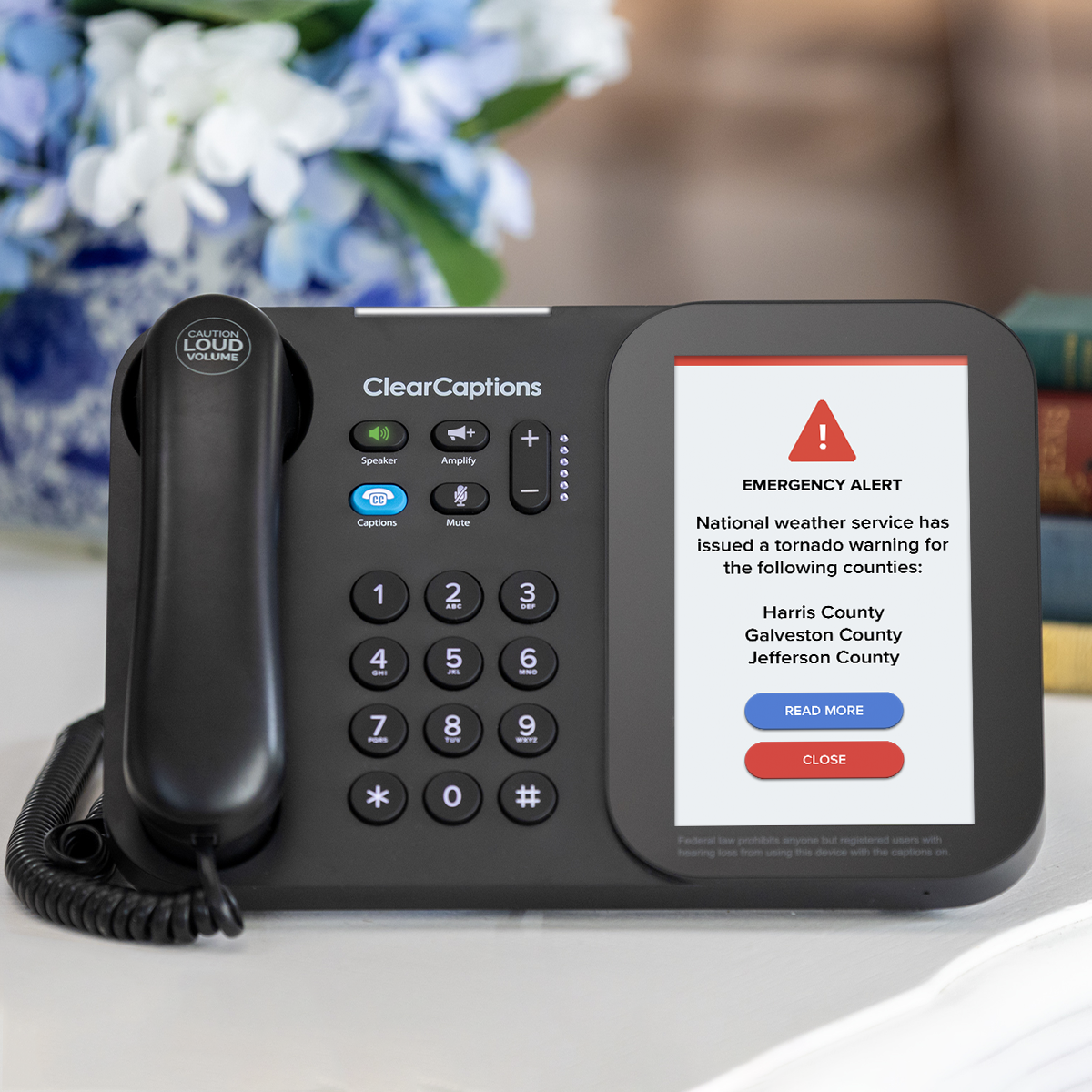
For those with hearing loss specifically, AI is becoming an increasingly important bridge to clearer communication, whether that is through captioning on a phone call or voice tools that reduce the need to hear every word perfectly. The ClearCaptions Phone pairs that same spirit of accessible communication with a captioned telephone service available at no cost to those who qualify, thanks to a federally managed program.
How AI Can Support Independence at Home
For many older adults, one of the most meaningful things AI offers is the ability to do more on your own. In your home, it could look like:
Getting answers without waiting. Instead of calling a family member to ask how to reset something on your phone, you can ask an AI assistant and get an immediate, patient explanation.
Managing daily routines. AI-powered reminders can help you stay on top of medications, appointments, and daily tasks without relying on memory alone.
Staying safer at home. Smart home AI tools can detect unusual activity, remind you to lock the door, or even alert a family member if something seems off, all through simple voice commands or automatic monitoring.
Learning at your own pace. AI does not rush you. You can ask the same question five different ways until the answer clicks.
That kind of always-available support is something artificial intelligence for senior citizens is uniquely positioned to offer, and it is one reason interest in these tools among older adults has grown steadily in recent years. Click here for additional assistive listening devices that can support you at home.
Artificial Intelligence Safety Tips for Seniors
Using AI responsibly comes down to a few common-sense habits that are worth building from the start.
Never share personal information. AI tools do not need your Social Security number, bank account details, or home address to help you. If an internet tool, AI or otherwise, ever asks for that kind of information, close it and walk away.
Treat AI answers as a starting point. AI is helpful for general information and everyday tasks, but it can make mistakes. Always verify important health, legal, or financial information with a qualified professional before acting on it.
Use trusted tools. Stick to well-known AI assistants and apps from reputable sources. If something is unfamiliar or was sent to you by someone you do not know, check with a family member before using it.
Know that AI does not know you personally. AI tools respond based on the information they have been trained on, not on your specific situation. They do not know your medical history or your personal circumstances. They are helpful guides, not replacements for your doctor, lawyer, or financial advisor.
Staying safe while using AI is not much different from staying safe online generally. A little caution and common sense go a long way.
How Caregivers Can Help Seniors Use AI

Caregivers are often the bridge between a senior and a new technology, and AI is no different. A few simple approaches make the introduction go smoothly.
Start with something they already use. If your loved one has Alexa or Siri, build on that. Show them a new way to use a tool they are already comfortable with before introducing something entirely new.
Sit with them the first few times. Having someone nearby while exploring a new AI tool takes the pressure off. Let them ask questions, make mistakes, and try again without feeling like they are on their own.
Keep it practical. Introduce AI through a task they actually need help with, whether that is writing a message, looking something up, or getting a reminder set. Real usefulness is the fastest way to build confidence.
Remind them it is okay to go slowly. There is no deadline for learning this. AI tools will be around, and there is real value in taking time to get comfortable rather than rushing through it.
Frequently Asked Questions
What is AI for seniors?
AI for seniors refers to artificial intelligence tools and features designed to make everyday tasks easier, more accessible, and less frustrating. This includes voice assistants like Alexa and Siri, AI chat programs like ChatGPT, smart home devices, health reminder apps, and captioning tools. Most of them are designed to respond to plain, conversational language, which makes them accessible even for people with no technology background.
How can seniors use AI in everyday life?
Seniors can use AI to answer questions, get help writing messages or letters, set reminders, control smart home devices, get captions during phone or video calls, and learn how to do things on their phones or computers step by step. Many of these tools are already built into smartphones and tablets and simply need to be turned on or explored.
What are the best AI tools for seniors?
Some of the most practical AI tools for older adults include Amazon Alexa and Google Home for voice-based help around the house, ChatGPT for answering questions and helping with writing, and built-in smartphone features like voice-to-text and live captions. The best tool depends on what your biggest everyday challenge is. Starting with one that solves a real problem makes the learning curve feel much more manageable.
Is artificial intelligence safe for senior citizens?
Used thoughtfully, yes. The most important safety habits are never sharing personal or financial information with an AI tool, verifying important information with a professional before acting on it, and sticking to well-known, reputable apps and programs. AI carries the same general safety considerations as using the internet, and the same common-sense precautions apply.