Social Media for Seniors: A Beginner’s Guide to Staying Connected Online
Key Takeaways
- Social media makes it easy to stay in touch with family and friends, see photos, share updates, and feel connected to the people you care about.
- Facebook is the most popular platform for older adults. Search for someone by name, tap Add Friend, and their posts will appear in your feed once they accept.
- To like a post, tap the thumbs-up icon below it. To comment, tap Comment and type your message. To share, tap Share to pass it along to your own friends.
- Keep your account safe by only accepting friend requests from people you know. Never share personal details like your Social Security number or bank account information online.
Maybe your daughter keeps mentioning something she posted online, and you’re not sure exactly what that means. Or a friend tells you they saw photos of you and your family on Facebook, but you had no idea they were there.
Social media is where a lot of everyday life is being shared right now, and it can feel like everyone else already knows how it works. Consider this guide as your resource for navigating social media; no tech background needed!
Why Social Media Matters for Seniors
Staying connected with friends and family is important to your overall well-being, and as we get older, it can become harder to do as often as we’d like. Distance and busy schedules get in the way, and the easy catching up that used to happen naturally takes more effort than it used to.
Social media makes that easier. It lets you see what your family is up to, reconnect with old friends, and stay in the loop with your community, all from your phone, tablet, or computer.
For seniors, staying socially connected is genuinely good for your health. Research from the National Institute on Aging says that staying close with family and friends benefits our mental health and gives us a stronger sense of purpose. Social media for seniors is one of the more accessible ways to keep those connections alive and active.
Getting Started With Social Media
If the idea of social media feels a little overwhelming, you’re not alone! It’s fairly straightforward and doesn’t require you to learn everything all at once. Social media for seniors can be a fun, new way to stay connected.
Here is what you need to get started:
- A smartphone, tablet, or computer with internet access
- An email address (this is usually used to create your account)
- A few minutes and a little patience with yourself
Your best bet is to pick one platform to start, with Facebook being the most familiar and easiest to navigate. According to an AARP 2026 report, 72% of adults ages 50+ on Facebook, and 30% of seniors surveyed said they visit Facebook multiple times a day.
The Best Social Media Platforms for Seniors

Not every platform is the right fit for every person. Whether you are brand new to social media for senior citizens or just looking to branch out, here is a quick look at the most popular options.
Facebook is the most widely used social media platform in the world, and it has the largest concentration of people in the 55-and-older age group. It’s designed to share important life updates, photos, videos, and to connect with other users around shared interests. It’s also very likely your friends and family members already have a Facebook account, making it an ideal platform for social media beginners.
YouTube is a free platform for watching videos posted by both brands and individuals. Not as much of a “social network” like Facebook and Instagram; YouTube is the place to go if you’re looking to watch a how-to video, watch reruns of old TV shows, watch a music video, and much more.
Instagram focuses on sharing photos and short videos (called Reels). If your friends and family are on Instagram, it’s a great way to see the photos they’re sharing. You can also follow hobby-specific accounts, like gardening or cooking, to get inspiration for your next project.
For those going online for the first time, Facebook remains the best social media platform for seniors. It’s likely where most of your friends and family already are, and its interface is simple and easy to navigate.
Facebook for Seniors: How to Follow Pages and Stay Connected
Once you have a Facebook account set up, here are the basics of finding and following the people and pages you care about.
Finding a friend or family member:
- Tap/click the search bar at the top of the screen and type in the person’s name.
- When their profile appears, tap/click it to open it.
- Tap/click the button that says Add Friend to send them a request. Once they accept, you will see their posts in your feed.
Following a page: Pages are accounts for businesses, organizations, and community groups, like your local library or ClearCaptions. Anyone can follow a page; you don’t need to be Facebook friends with the people who run it.
- Search for the name of the organization or page you are interested in.
- When the page appears, tap/click Like or Follow. Their updates will now appear in your feed.
Your news feed: Once you have added friends and followed a few pages, the main screen when you open Facebook, called your “news feed,” will fill up with their posts, photos, and updates from the people and pages you follow.
How to Like, Comment, and Share Posts
Liking, commenting, and sharing are the main ways people interact on social media. They are also much simpler than they sound.

Liking a post is a quick way to let someone know you saw their post and appreciated it. On Facebook, look for the thumbs-up icon below any post and tap/click it. You can also tap/click and hold the icon to choose a different reaction, such as a heart, a laughing face, or a supportive hug. Pick whichever feels right.
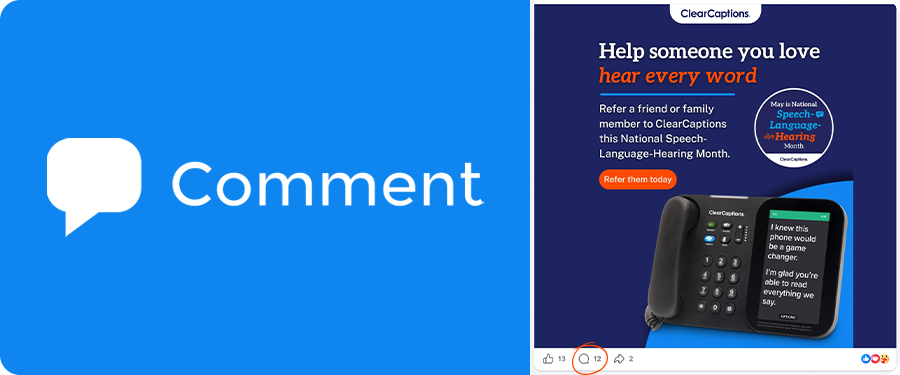
Commenting on a post lets you leave a written response. Tap/click the word Comment below the post, and a text box will appear where you can type what you want to say. When you are done, tap/click Post or hit Enter. Your comment will appear below the post for everyone to read.
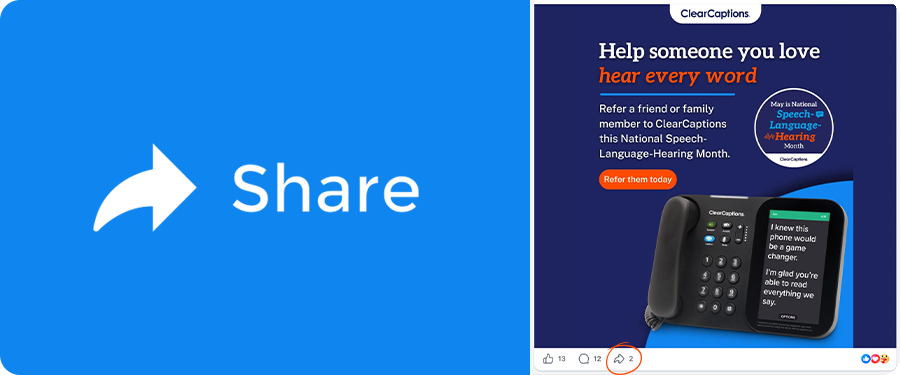
Sharing a post passes along something you enjoyed or found interesting to your own friends. Tap/click Share below the post, and you can choose to share it on your own page, sometimes with a note of your own added. It is a simple way to say “I thought of you” without even picking up the phone.
Liking, commenting, and sharing are how conversations happen on social media. For seniors, they are small but meaningful ways to stay part of each other’s lives.
Protecting Yourself from Social Media Scams
Social media is a place for fun and connection. That said, social media scams are common, and they can look very convincing. Keep these general safety tips in mind when you are online and using social media.
Your password matters. Choose a password that is at least eight characters long and includes a mix of letters and numbers. Do not use your birthday or the word “password.” Write it down somewhere safe at home if you need to remember it.
Be choosy about friend requests. Only accept friend requests from people you actually know. If someone you do not recognize sends you a request, it is perfectly fine to ignore it or decline it.
Be careful what you share publicly. Avoid posting your home address, phone number, daily schedule, or information about when you will be away from home. Even with good intentions, sharing too much personal information creates risks.
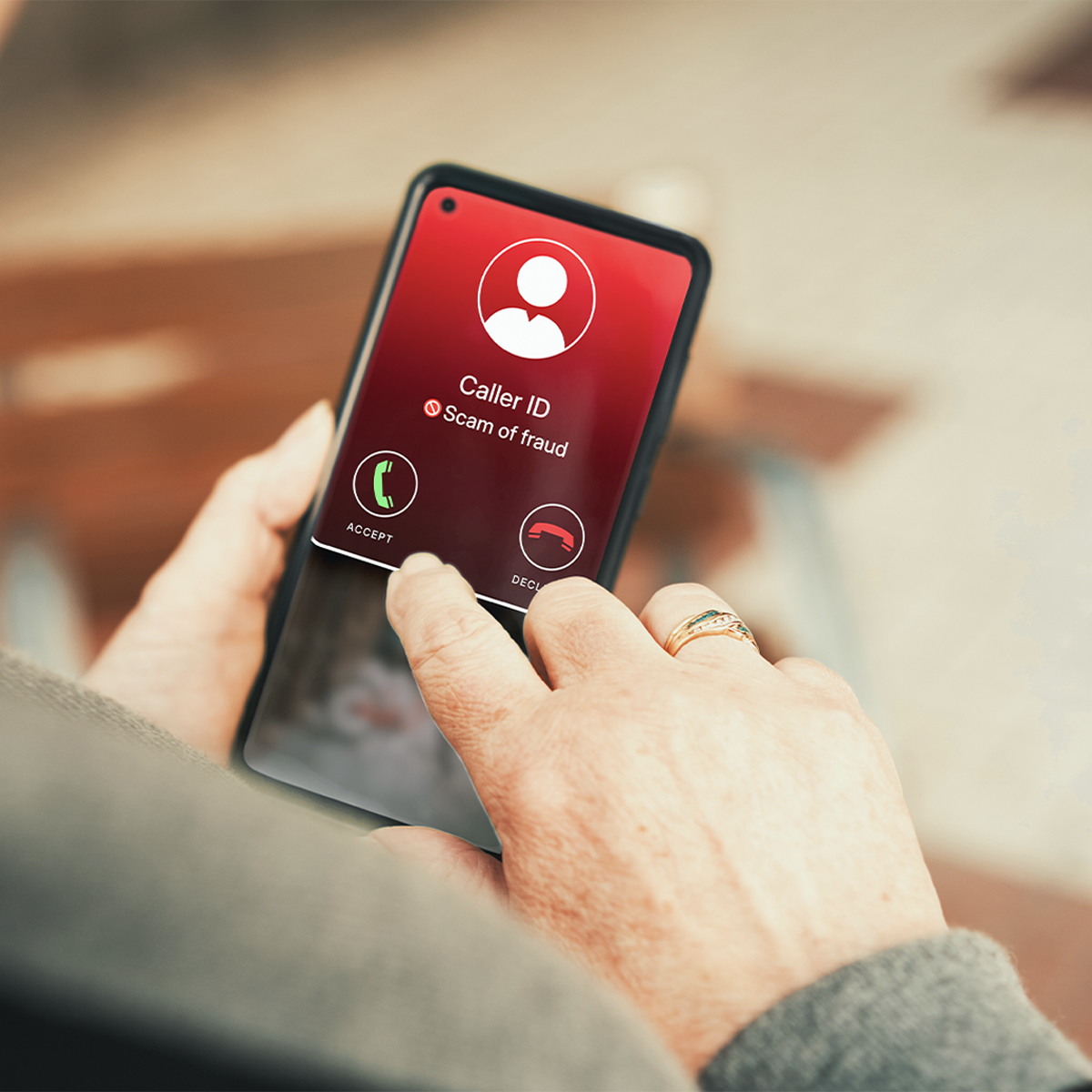
If something feels off, trust that feeling. Scams on social media often look like messages from friends, prize notifications, or urgent requests for money or personal information. Never respond to requests to buy gift cards, and do not share your Social Security number or other sensitive information (like bank account or routing numbers) on Facebook. When in doubt, ignore the request and contact the person or company directly.
Online Safety Tips for Seniors
As you get more comfortable navigating social media, here’s a few more safety tips to make sure your account stays safe.
Check your privacy settings. On Facebook, you can control who sees your posts. Here is how to find those settings:
- Tap the three horizontal lines in the bottom right corner of the screen (on a phone) or the top right corner (on a computer).
- Scroll down and tap Settings & Privacy, then tap Settings.
- Tap Privacy, then tap Your Activity.
- Next to Who can see your future posts? tap Edit and select Friends.
That one change means only the people you have added as friends will see what you post. You can come back to this screen any time to review and adjust your other privacy options as well.
Log out when you are done. If you share a computer or tablet with someone else, log out of your account when you are finished. This keeps others from opening it without you knowing.
Update your apps regularly. App updates often include security improvements. When your phone or tablet suggests updating an app, it is usually a good idea to go ahead and do it.
Talk to someone you trust if something worries you. If you receive a strange message, see something that upsets you, or are not sure whether something is legitimate, ask a family member or caregiver before doing anything else. That is exactly what they are there for.
Overall, if you use common sense and a little caution, social media is a great way to stay in touch with friends and family and follow events happening in your area. Following these few simple tips can help keep you and your account safe from fraud.
ClearCaptions provides fun, helpful tips and resources for people with hearing loss and their families. Following along is a great first step and a way to stay connected to a community that understands your experience.
Follow ClearCaptions on Facebook, Instagram, YouTube, and X (formerly Twitter) to learn more!
Frequently Asked Questions
What is the best social media platform for seniors?
For most seniors, Facebook is the best social media platform to start with. It has the largest user base for the 55-and-older crowd, and a simple, easy-to-use layout.
How can seniors stay safe on social media?
Online safety for seniors comes down to a handful of consistent habits: using a strong password, only accepting friend requests from people you know, keeping personal information private, and being skeptical of anything that asks for money or personal details.
How do seniors follow someone on social media?
The process of following someone is easy to learn. Simply search for the person’s name using the search bar at the top of the screen. Then open their profile and click or tap “Add friend” to connect with them. For public pages, tap or click the “Like” or “Follow” button instead.
How can caregivers help seniors use social media?
The most helpful things caregivers can do are setting up the account together, demonstrating the basics in person, creating a simple reference sheet for common actions, and checking in regularly to answer questions. Starting with one platform and one or two connections keeps the experience manageable and enjoyable from the very beginning.