Telehealth and Hearing Loss: How to Get the Most from Virtual Doctor Visits
Key Takeaways
- Telehealth use among physicians has nearly tripled since before the pandemic, making virtual visits a regular part of many seniors’ healthcare routines.
- Use assistive technology, like captions, Bluetooth® hearing aids, or headphones, and choose a larger screen in a quiet space so you can see, hear, and follow your telehealth visit more clearly.
- Tell your provider right away that you have hearing loss, so they can adjust how they communicate with you.
Managing your health from the comfort of home is one of the most convenient shifts in modern medicine. While stepping in front of a screen for a doctor visit can feel unfamiliar at first, hearing loss should never stand between you and quality care. With a few simple preparations, you can walk into your next virtual appointment feeling completely confident, comfortable, and ready to connect.
Navigating Virtual Healthcare with Hearing Loss

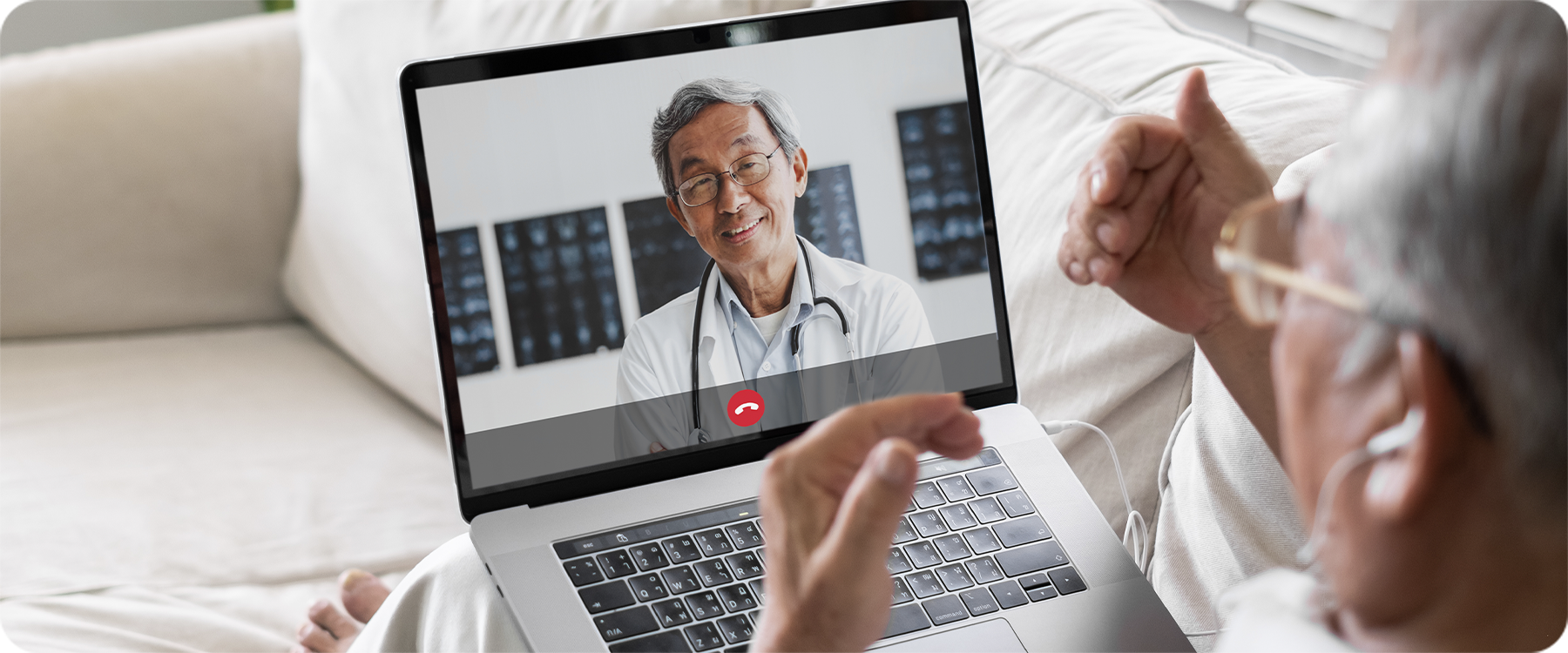
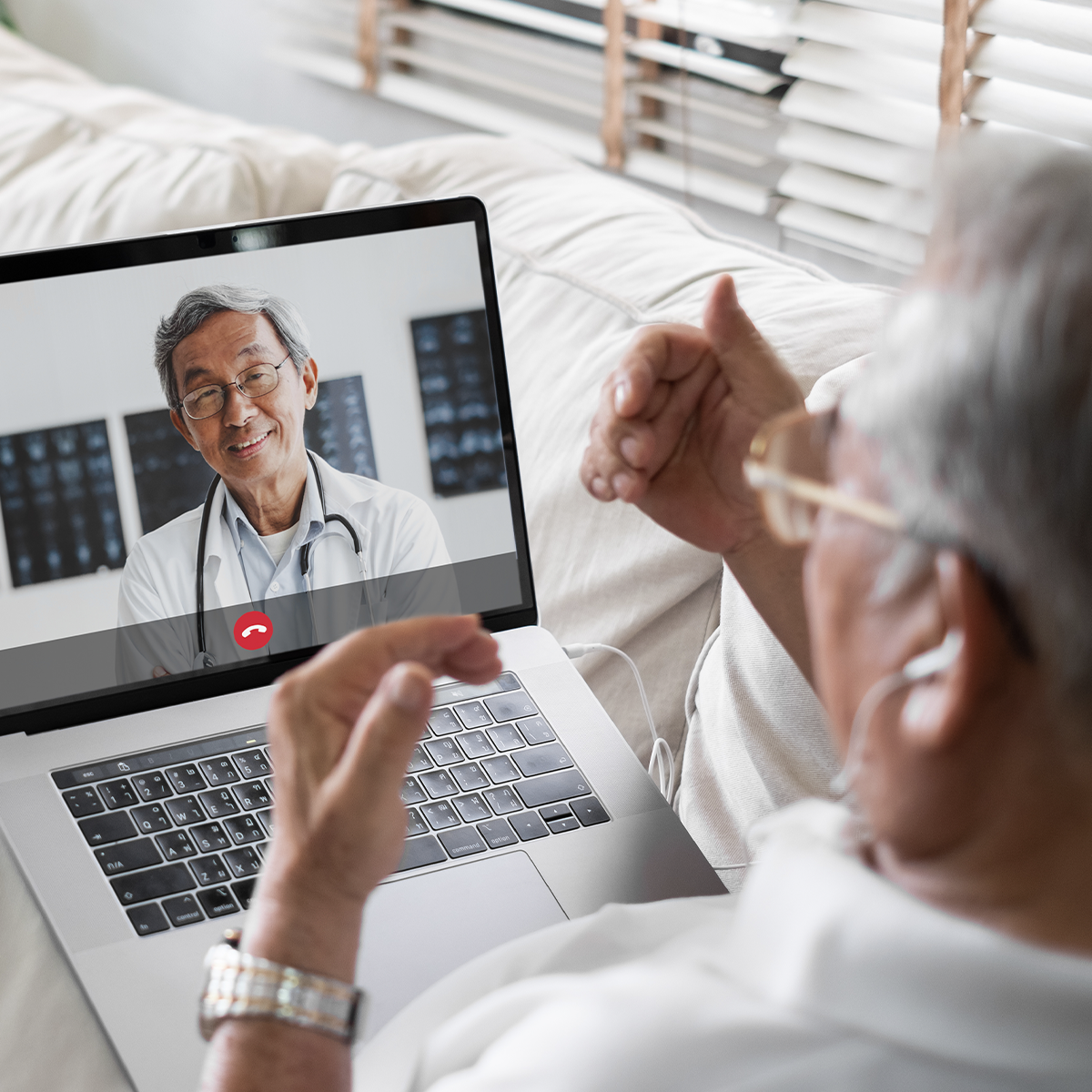
The use of telehealth use has grown significantly in recent years. In 2024, 71.4% of physicians reported using telehealth weekly, up from just 25.1% in 2018, according to the American Medical Association. For many seniors, virtual visits offer convenience, eliminating traffic, waiting rooms, and the need to arrange transportation.
Many audiologists now offer virtual visits, including hearing aid check-ins and adjustments. If your hearing aids connect to a smartphone, your audiologist may be able to fine-tune settings like volume or background noise reduction remotely, without you needing to sit in the office.
Assistive technology for telehealth has also improved. Most major video platforms now offer some form of captioning or transcription, which displays what your provider is saying as text on the screen. This makes it easier to follow along, especially if part of the conversation is hard to catch by ear alone.
Pre-appointment preparation
Taking a few minutes to prepare your environment helps keep your telehealth appointment running smoothly:
- Sit somewhere with good lighting so your practitioner’s face and lips are easy to see on screen.
- Move to a quiet room, away from a TV, radio, or other background noise.
- Test your computer or tablet camera, microphone, and speakers prior to your appointment.
- Check your internet connection, and restart your router if things seem slow.
- Have your list of symptoms, questions, and current medications ready nearby.
Use assistive technology
Most video platforms used for telehealth appointments offer some kind of captioning or transcription feature that displays text of what your provider says on screen. Turn this feature on before your appointment starts. If you don’t see it right away, ask your provider’s office which platform they use and how to enable captions.
If you wear Bluetooth-compatible hearing aids, pair them directly to your computer or tablet before the appointment begins. This routes sound straight to your hearing aids instead of through the device’s speakers, which usually makes speech clearer and cuts down on background noise. If your hearing aids aren’t Bluetooth-enabled, a pair of headphones connected to your device can also help focus the sound and reduce distractions from your surroundings.
During and after the appointment
As soon as your appointment starts, let your provider know you have hearing loss. This gives them the chance to face the camera directly, speak a little slower, or repeat anything you might miss the first time.
If your provider shares something important, like a diagnosis, a medication name, or dosage instructions, ask them to type it into the chat box on the screen. Having it in writing means you won’t have to rely on catching every word the first time, and you’ll have something to reference later.
Before you log off, make sure you understand your next steps. Ask your provider to add any follow-up instructions to your after-visit summary or patient portal, so you can review them later instead of trying to remember everything from the call.
Telehealth and Hearing Loss Tips
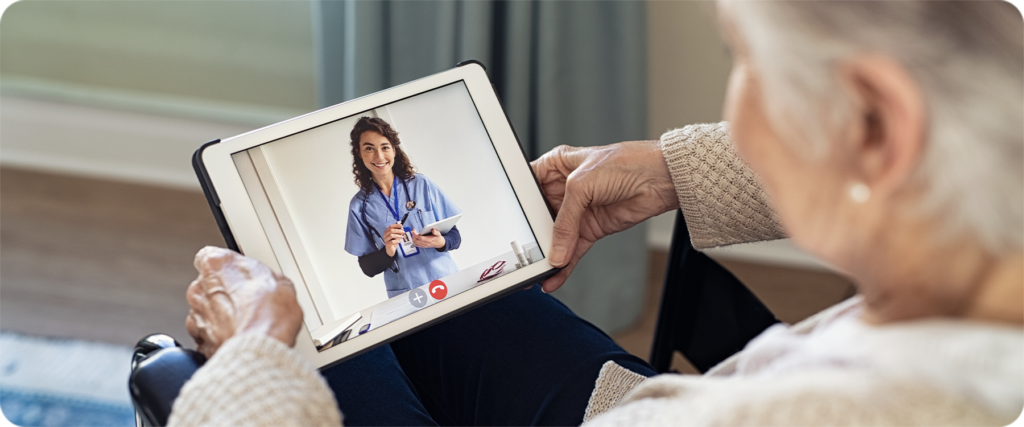
Speaking up about your hearing loss is the best thing you can do for yourself during a telehealth visit. Providers can’t adjust how they communicate if they don’t know you need it, so don’t hesitate to mention it at the start of every appointment, even if you’ve told them before.
If you start to feel anxious about missing something during the call, take a slow breath before the appointment starts and remind yourself it’s okay to ask your provider to repeat or rephrase something. Keeping a notepad nearby to jot down anything you’re unsure about also gives you something to bring up before the call ends, instead of trying to remember it later.
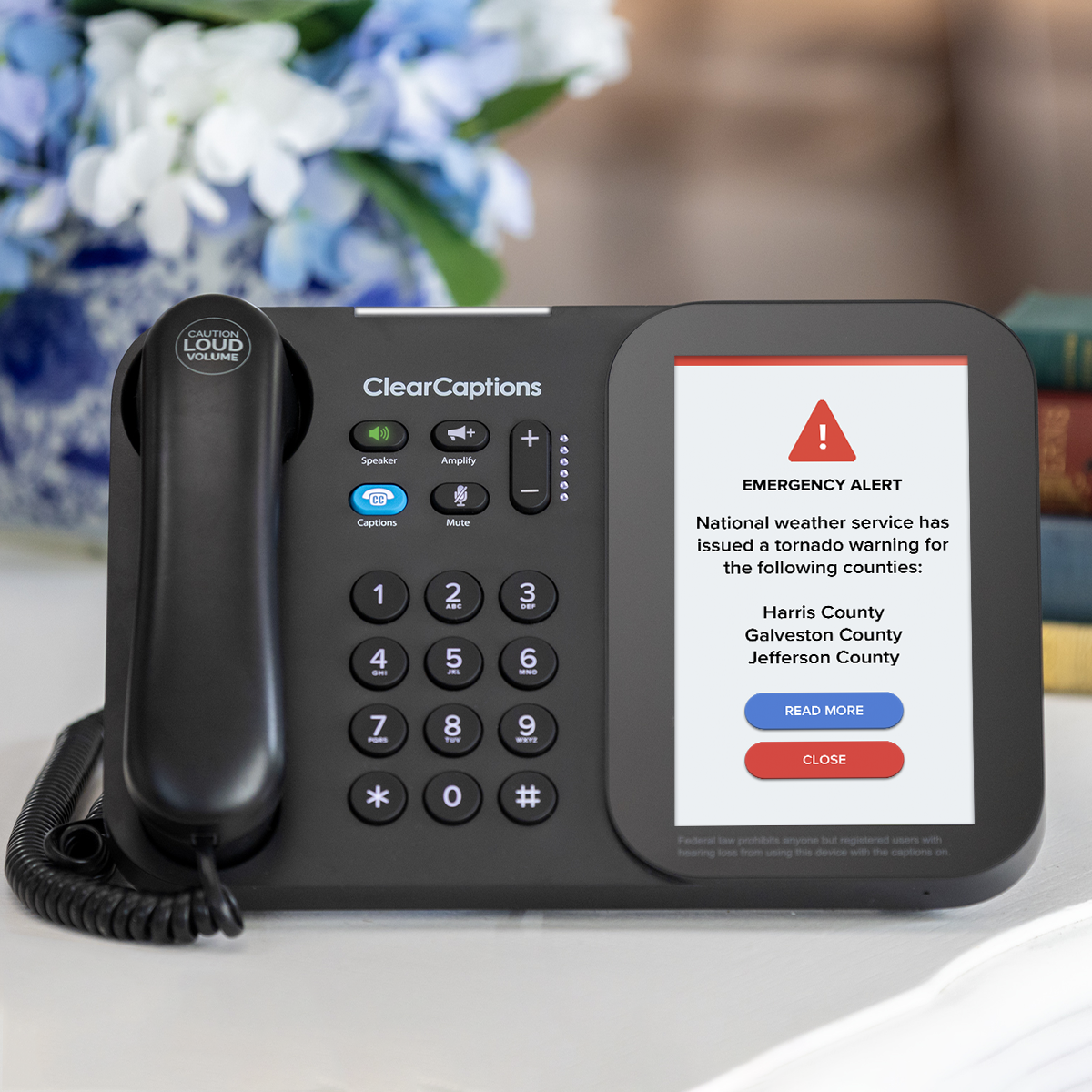
For the phone-based parts of managing your healthcare, like scheduling appointments, calling in a prescription refill, or following up with your provider’s office, and for telehealth visits that happen over a regular phone call instead of video, the ClearCaptions Phone can help those conversations feel just as manageable. It displays what the other person says right on the screen, at no cost to qualified individuals with hearing loss.
Frequently Asked Questions
Does telehealth work well for people with hearing loss?
Yes, especially with a few adjustments. Turning on captions, connecting Bluetooth hearing aids directly to your device, and telling your provider about your hearing loss at the start of the call all make virtual visits easier to follow.
Can I get my hearing aids adjusted through telehealth?
Many audiologists now offer remote programming for hearing aids that connect to an app. This allows your audiologist to adjust settings like volume or background noise reduction without an in-person visit, though some issues, like a physical fit problem, still require seeing your audiologist in person.
What if I don’t see a captioning option on my telehealth platform?
Ask your provider’s office which video platform they use and how to turn on captions before your appointment. Most major telehealth platforms include a built-in captioning or transcription feature, even if it isn’t turned on by default.
Should I tell my doctor I have hearing loss before a telehealth visit?
Yes. Letting your provider know at the start of the appointment gives them the chance to face the camera, speak clearly, and repeat anything you might miss, which makes the whole visit easier to follow.
What should I do if I miss something important during my appointment?
Ask your provider to repeat it, or request that they type it into the text chat box so you have it in writing. You can also ask them to add follow-up instructions to your after-visit summary or patient portal for you to review later.