Smart Speakers for Seniors with Hearing Loss
Key Takeaways
- Smart speakers like Amazon Echo, Google Nest, and Apple HomePod can help seniors manage daily tasks hands-free, which is especially useful for those with hearing loss.
- Alexa, Siri, and Google Home each offer accessibility features designed to make voice-controlled technology more useful for people with hearing loss.
- Smart speakers work best as part of a broader set of assistive tools, not as a standalone solution.
- Caregivers can use smart speakers to support their loved one’s independence at home.
- Pairing a smart speaker with other assistive technology for hearing loss, like a captioned phone, creates a more complete communication setup.
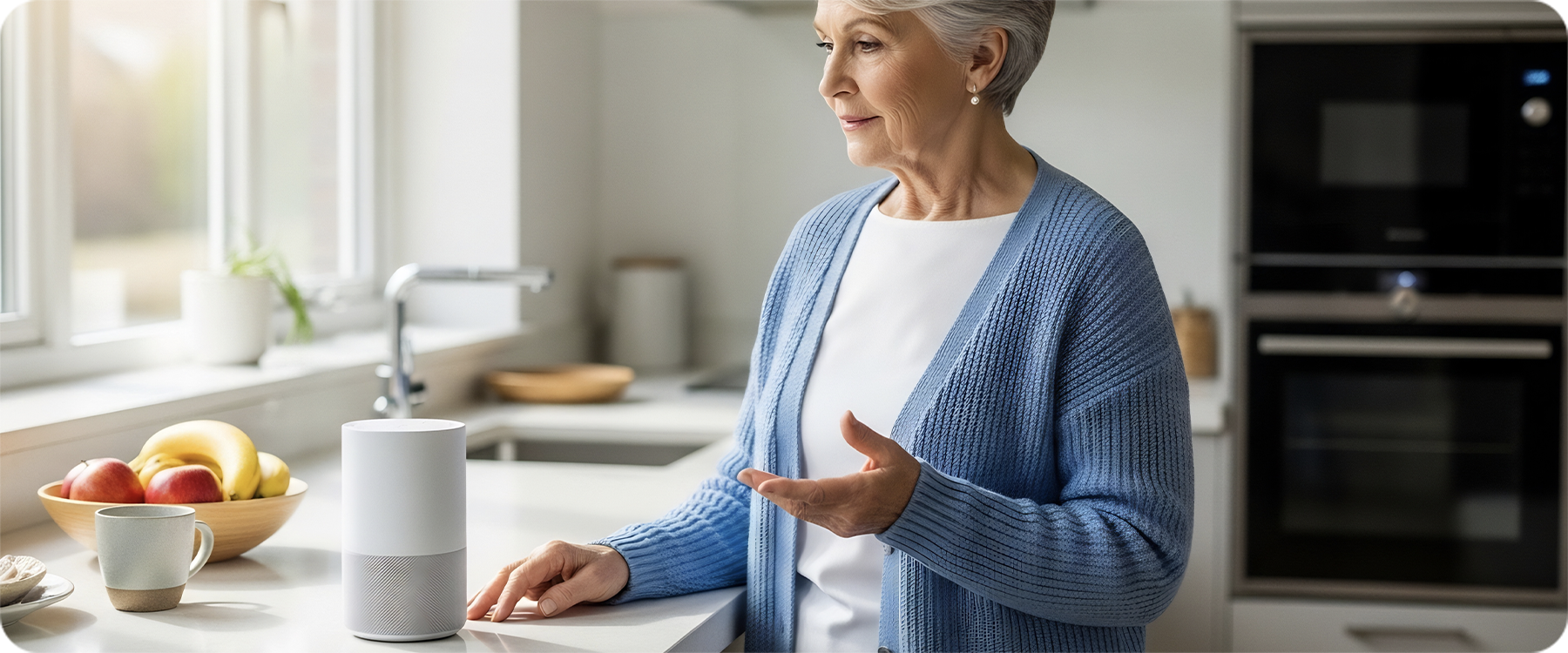
Keeping a loved one with hearing loss connected, independent, and comfortable at home is a real priority for many caregivers. Smart speakers have become one of the more practical tools to help with that. They respond to voice commands, handle reminders, make calls, control smart home devices, and answer questions, all without requiring anyone to pick up a phone or navigate a screen.
For seniors with hearing loss, smart speakers come with some genuine advantages and a few limitations worth knowing about. This guide covers how Alexa for seniors, Google Home for seniors, and Siri for seniors each measure up, along with how smart speakers fit into a broader assistive technology for hearing loss plan.
Smart Speakers Can Help Seniors Manage Daily Tasks Hands-Free
One of the most practical benefits of smart speakers for seniors is the ability to manage everyday tasks using only their voice. For someone with hearing loss, this removes the friction that comes with phone calls, small touchscreens, or hard-to-read notifications.
Here are some of the things a smart speaker can do:
Alexa, Siri, and Google Home offer different accessibility features
Each of the three major smart speaker platforms has built-in features that can support seniors with hearing loss, though they approach accessibility differently.
Amazon Echo (Alexa) offers a feature called Alexa Captions, which displays spoken responses as text on Echo Show devices, which have screens. This is one of the most directly useful features for someone with hearing difficulty. Alexa can also be set to speak more slowly, increase its response volume, and pair with compatible hearing aids via Bluetooth.
Google Home (Google Assistant) can display responses as text on Nest Hub devices with screens. Google Assistant also supports Live Caption on Android phones when used alongside a Nest device, making it a good option for seniors already using Android smartphones.
Apple HomePod (Siri) integrates closely with iPhones and other Apple devices. For seniors already in the Apple ecosystem, Siri can read messages aloud, set reminders, and control smart home devices. HomePod does not currently have a screen, but pairing it with an iPad or iPhone opens up captioning and visual alert features.
Smart speakers can support reminders, calls, alerts, and routines
Beyond accessibility features, smart speakers shine when it comes to building helpful daily routines. They can:
- Set medication reminders with audible and visual alerts (on screen-equipped models)
- Make hands-free calls to family members, which is helpful when picking up a phone is difficult
- Announce when the doorbell rings or when a package arrives, if paired with compatible smart home devices
- Read the news, weather, and calendar appointments aloud each morning
- Control smart home devices like lights, locks, and thermostats using only a voice command
For seniors with hearing loss, hands-free calling through a smart speaker can make it easier to stay in touch, though it is worth noting that standard smart speaker calls do not include captions. For captioned calls, a dedicated captioned phone remains the better option.
Caregivers can use smart speakers to support senior independence
Smart speakers give caregivers a practical way to stay connected with their loved one without being present in the home full-time. Some caregivers use features like shared shopping lists, two-way intercom functions between Echo devices in different rooms, or Drop In (on Alexa) to check in without a phone call.
Setting up routines in advance, such as a morning reminder to take medication or a prompt to call a family member in the evening, means the smart speaker is doing helpful work even when the caregiver is not around. This kind of support can help a senior maintain a sense of independence and routine, which matters for overall well-being.
Smart speakers work best alongside other hearing assistive technology
Smart speakers are useful tools, but they are not a complete solution for seniors with hearing loss. A few things to keep in mind:
- Voice commands require the speaker to understand the user’s command. Seniors with speech changes or strong accents may find voice recognition less reliable.
- Standard smart speaker audio plays through a room speaker, which may not be loud or clear enough for someone with significant hearing loss unless paired with external speakers or hearing aids.
- Smart speakers do not caption phone calls made through them, which is a meaningful gap for seniors who rely on captions to follow conversations.
The most effective setups combine a smart speaker with other assistive technology for hearing loss, such as captioned phones, hearing aids, and visual alert systems. Each device fills a different gap, and together they create a much more accessible home environment.
How Smart Speakers Help Seniors with Hearing Loss
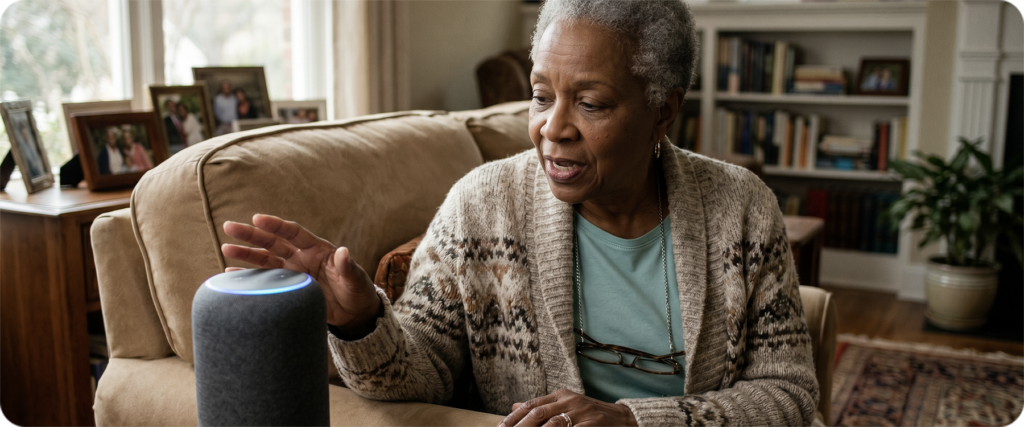
Smart speakers address a specific challenge that comes up often for seniors with hearing loss: the difficulty of managing daily life when you cannot hear a ringing phone, a timer going off, or a question asked from another room.
Voice-activated technology removes the need to be within arm’s reach of a device. A senior can call a family member, ask for a recipe, or set a reminder from anywhere in the room. For someone with limited mobility or dexterity in addition to hearing loss, that hands-free quality adds another layer of value.
The key is choosing the right device for your loved one’s specific situation, which depends largely on what other devices they already use and what their biggest daily challenges are.
Alexa for Seniors: Amazon Echo Features Worth Knowing
Amazon Echo devices are among the most widely used smart speakers for seniors, in part because of the range of models available at different price points and the depth of Alexa’s accessibility options.
A few features particularly worth knowing for caregivers:
Echo Show models (those with screens) are the most useful for seniors with hearing loss because they display text alongside spoken responses. The screen also shows caller ID during calls and can display captions when Alexa Captions is enabled.
Alexa Together is a service designed specifically for caregivers. It provides activity alerts, an urgent response helpline for the senior, and the ability to check in remotely.
Hearing aid pairing: Alexa supports Bluetooth hearing aids, which means your loved one can route Alexa’s audio directly to their ears if their hearing aids support it.
Voice training: Alexa can be trained to better recognize a specific person’s voice, which can help if your loved one’s speech is soft or unclear.
Volume and speech rate: Both can be adjusted so Alexa speaks loudly and clearly enough to be heard without straining.
For seniors who are new to smart speakers, the Echo Dot is a lower-cost starting point, while the Echo Show 8 or Echo Show 10 offer the screen-based captioning and visual features that matter most for hearing loss.
Google Home for Seniors: What Google Nest Can Do
Google Nest devices run on Google Assistant and offer strong integration with Android phones and Google services like Gmail, Google Calendar, and Google Maps.
For seniors who already use an Android phone, Google Home can feel like a natural extension of what they are already familiar with. A few highlights:
Google Nest Hub (the screen-equipped model) displays responses as text, shows caller ID, and can stream video calls. The Nest Hub Max includes a built-in camera, which enables video calling directly from the device.
Interpreter mode: Google Assistant can translate conversations between languages in real time, which may be useful in multilingual households.
Live Caption integration: On Android devices, Google’s Live Caption feature can caption audio playing on the phone. Pairing a Nest device with an Android phone that has Live Caption enabled creates a more accessible calling setup.
Routine scheduling: Google Home makes it straightforward to build daily routines, including morning briefings, medication reminders, and evening check-ins.
Google Home for seniors works best when the person is already in the Android or Google ecosystem. If your loved one uses an iPhone, they may find Alexa or Siri a more seamless fit.
Siri for Seniors: Using Apple HomePod and iPhone

For seniors who already use an iPhone or iPad, Siri offers a familiar and deeply integrated voice assistant experience. Apple’s HomePod connects directly to Apple devices and draws on the same Siri experience your loved one may already know.
Key features for seniors with hearing loss:
iPhone accessibility features: When combined with an iPhone, Siri can trigger Live Captions during phone calls, read incoming messages aloud, and alert the user to sounds in the environment (such as a doorbell or smoke alarm) through the Sound Recognition feature.
Made for iPhone hearing aids: Many modern hearing aids are designed to connect directly to an iPhone, allowing Siri’s audio to stream to the hearing aid. This is a significant advantage for seniors already wearing compatible hearing aids.
Shortcuts: Siri Shortcuts allow caregivers to set up custom voice commands for tasks the senior performs often, making the experience simpler and more predictable.
HomePod Intercom: If multiple Apple devices are in the home, the HomePod Intercom function allows different rooms to communicate with each other, which can be a practical safety feature.
Siri for seniors is most useful for those already comfortable with Apple products. For someone new to technology, the learning curve may be steeper than with Alexa or Google Home.
Comparing Smart Speakers: Which Is Best for Seniors with Hearing Loss?
There is no single right answer, but here is a straightforward comparison to help narrow it down:
| Features | Amazon Echo
(Alexa) |
Google Nest
Google Assistant) |
Apple Homepod
(Siri) |
|---|---|---|---|
| Screen option available | Yes (Echo Show) | Yes (Nest Hub) | No (pairs with iPhone/iPad) |
| Captioning on device | Yes, with Alexa Captions | Yes, on Nest Hub | Yes, via iPhone Live Captions |
| Hearing aid Bluetooth pairing | Yes | Yes | Yes |
| Best for | Most seniors, especially beginners | Android phone users | iPhone/Apple device users |
| Caregiver tools | Alexa Together | Google Family Bell | Family Sharing |
| Entry-level cost | Low (Echo Dot) | Low (Nest Mini) | Higher (HomePod Mini) |
The most important factor is the ecosystem your loved one is already in. Seniors with an Android phone will get the most out of Google Nest. Those with an iPhone will find Siri and HomePod the smoothest fit. For seniors without a strong smartphone preference, Amazon Echo, and particularly the Echo Show, offers the most robust accessibility features in one device.
Assistive Technology for Hearing Loss: Beyond Smart Speakers

Smart speakers are a helpful piece of the puzzle, but seniors with hearing loss typically benefit from a combination of tools. Think of it as building a communication setup that covers different parts of daily life.
A well-rounded assistive technology plan for a senior with hearing loss might include:
Hearing aids: The foundation for most people with significant hearing loss. Modern hearing aids can connect via Bluetooth to smart speakers, phones, and televisions.
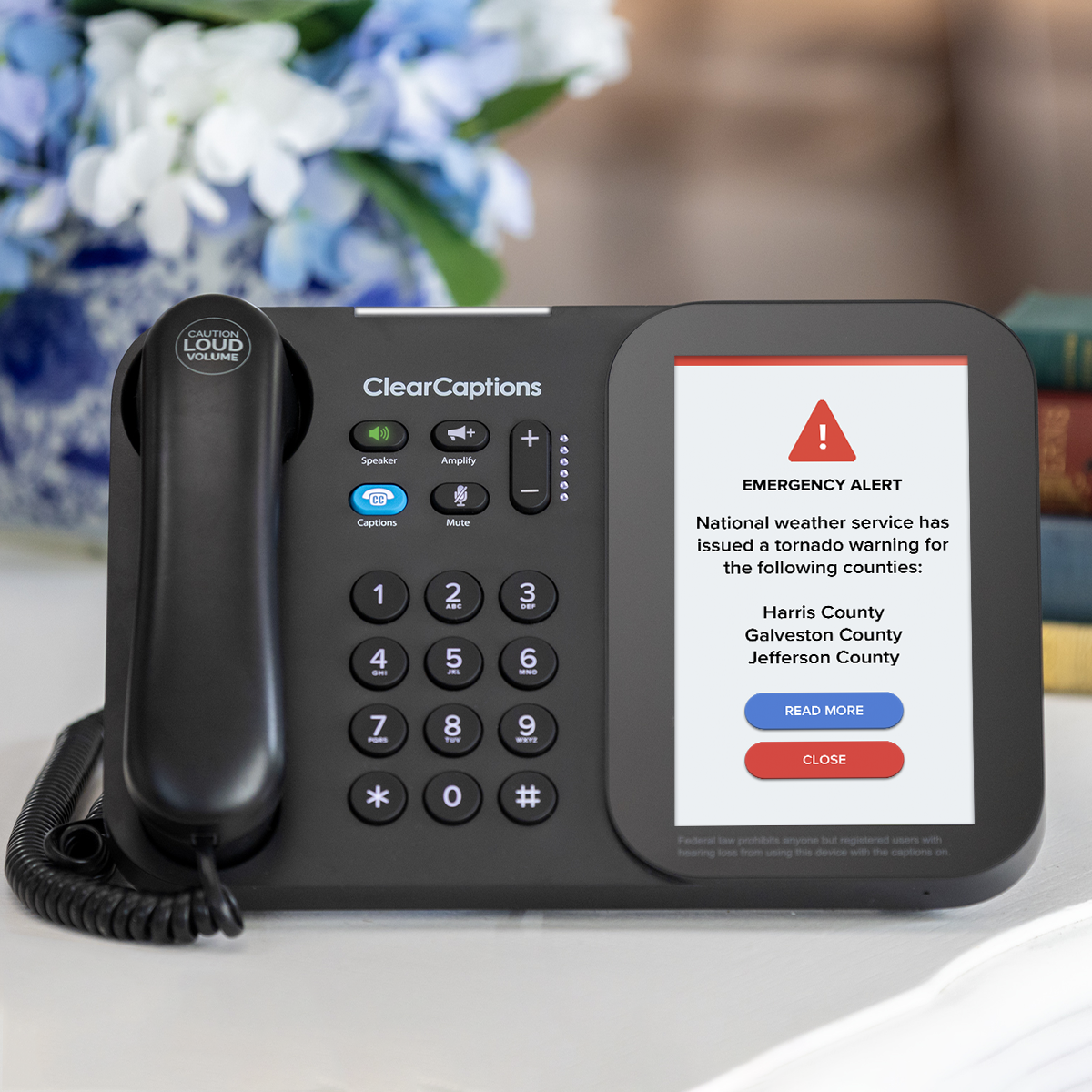
Captioned phone: For phone calls, a dedicated captioned phone like the ClearCaptions Phone provides captions of what callers say on a large, easy-to-read screen. Smart speakers can make calls, but they do not caption them. For seniors who rely on captions to follow a conversation, this distinction matters. Qualified individuals with hearing loss can receive a ClearCaptions Phone at no cost, thanks to a federally managed program.
Visual alert systems: Devices that flash lights or vibrate in response to sounds, such as a doorbell, smoke alarm, or phone ringing, fill a gap that smart speakers and phones cannot always cover.
Smart home devices: Smart locks, lights, and cameras controlled by voice through a smart speaker add convenience and safety for seniors living independently. For a closer look at how smart home technology supports seniors, see our guide on smart home devices for seniors.
Each of these tools addresses a different part of daily life. Together, they give seniors with hearing loss more confidence, more independence, and fewer moments of missed communication.
Frequently Asked Questions About Smart Speakers for Seniors
Are smart speakers safe for elderly people to use alone?
Smart speakers are generally safe and straightforward for seniors to use independently. Devices like the Echo Show display information on a screen, which adds a layer of clarity. Caregivers can also set up routines, check-in features, and emergency contact shortcuts to add a safety net. As with any technology, a brief setup session with your loved one helps them feel comfortable before using it on their own.
What assistive technology is available for seniors with hearing loss?
There are many options, including hearing aids, captioned phones, assistive listening devices, visual alert systems, and smart speakers with screen-based captioning. The right combination depends on your loved one’s degree of hearing loss, daily routine, and comfort with technology. A hearing care professional can help identify the most effective starting point.
Which smart speaker is best for seniors with hearing loss?
For most seniors, especially those new to smart speakers, the Amazon Echo Show is a strong choice because it combines voice commands with a screen that displays text and captions. Seniors who use an iPhone regularly may prefer Apple HomePod paired with their iPhone for Siri integration and Made for iPhone hearing aid support. Those with Android phones will likely get the most from a Google Nest Hub.
Can smart speakers connect to hearing aids?
Many can. Amazon Echo, Google Nest Hub, and Apple HomePod all support Bluetooth pairing, and many modern hearing aids are Bluetooth-enabled. Hearing aids labeled “Made for iPhone” connect directly to Apple devices, including HomePod. Alexa-compatible hearing aids can stream audio from an Echo device. Talk to your loved one’s audiologist about whether their current hearing aids support this feature.